

On this page
Creating an online course today is easier than ever. Platforms for hosting lessons, recording videos, and managing students are widely available. Yet many course creators still struggle with one critical piece of the puzzle: the website itself. Even when the course content is valuable, the website often fails to guide visitors toward enrollment. A successful course website is not just a collection of pages. It is a carefully structured experience that answers questions, builds trust, and encourages action. Visitors need to understand what the course offers, why it is valuable, and how it will help them achieve their goals. If the website structure fails to communicate these things clearly, potential students may leave without enrolling.
This is where the concept of an Education Website Template becomes extremely important. A well-designed Education Website Template provides a proven structure for presenting course information in a way that helps visitors move naturally from curiosity to commitment. Instead of guessing which sections to include or how to arrange them, creators can rely on an Education Website Template that already reflects best practices used by successful course platforms.
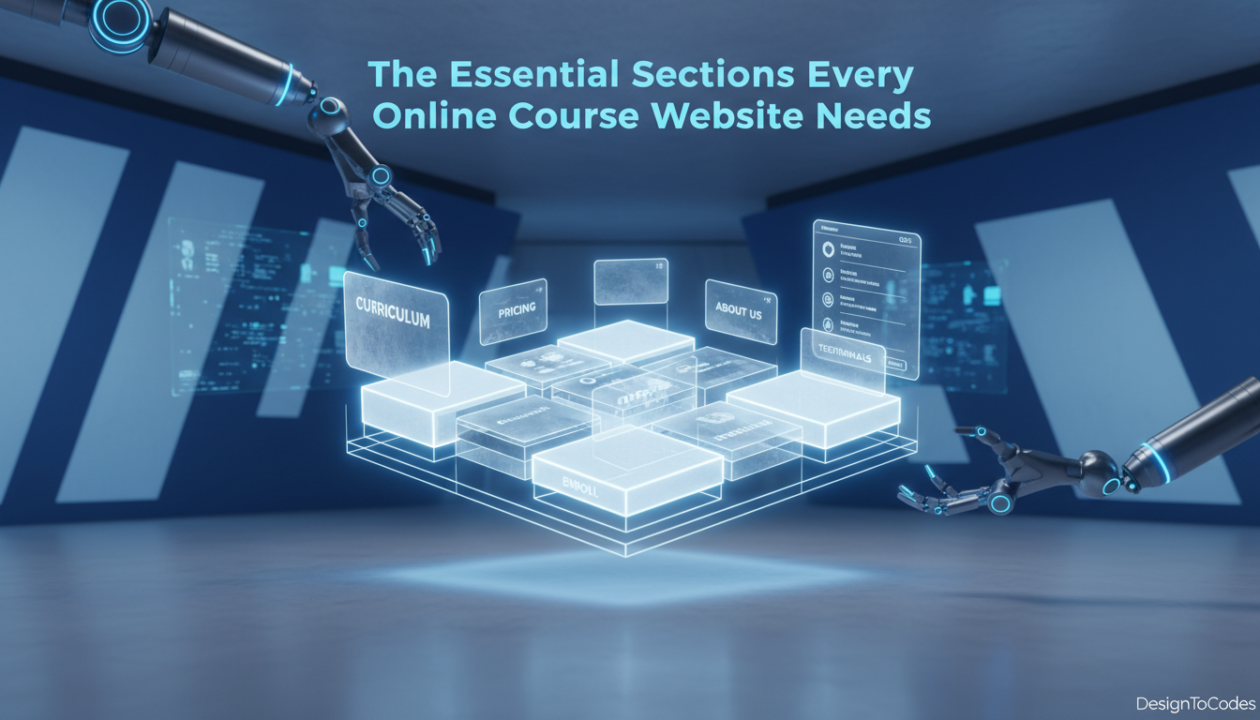
For designers, agencies, developers, and educators, choosing the right Education Website Template means starting with a layout designed specifically for learning platforms. A strong Education Website Template ensures that essential sections such as course overviews, instructor credibility, student testimonials, and enrollment calls-to-action are positioned strategically throughout the website. In this article, we will explore the essential sections every course website needs and explain how a thoughtfully structured Education Website Template helps present these elements in a way that improves engagement and conversions.
Why Website Structure Matters for Course Platforms
Before discussing specific sections, it is important to understand why structure matters so much in education websites. When someone visits a course platform for the first time, they are usually evaluating three things. They want to know what they will learn, who is teaching the course, and whether the learning experience will deliver real results. If a website does not address these questions quickly, visitors may feel uncertain. Uncertainty slows down decision-making, and in many cases, it leads people to leave the site entirely. A thoughtfully designed Education Website Template helps solve this problem by organizing information logically. Instead of forcing visitors to search through multiple pages, an Education Website Template highlights key information in a sequence that mirrors how students evaluate courses.
According to usability research from the Nielsen Norman Group, users form impressions about a website within seconds of arriving. When a course platform is built using a structured Education Website Template, visitors can immediately understand the purpose of the site and begin exploring the learning opportunities it offers.
This structured experience builds confidence and encourages users to continue exploring the course content.
Section 1: A Clear and Compelling Hero Section
The hero section is the first part of the website visitors see. It plays a major role in shaping the initial impression of the platform. A strong hero section should clearly communicate the main promise of the course and explain who the program is designed for. A well-designed Education Website Template places the hero section at the top of the homepage with a clear headline, supporting description, and a visible call-to-action. This section should immediately tell visitors what the course teaches and why it is valuable.
Important elements of the hero section include:
- A clear course value statement
- A short description explaining the learning outcome
- A strong call-to-action such as “Start Learning” or “View Courses”
- Visual elements that represent the learning experience
When built within an Education Website Template, the hero section becomes a powerful introduction that encourages visitors to explore the course further.
Section 2: Course Overview and Learning Outcomes
After the hero section captures attention, visitors need to understand exactly what they will gain from the course. This is where the course overview section becomes essential. A well-structured Education Website Template includes a dedicated area where creators can explain the course objectives, highlight key skills students will learn, and outline the overall learning journey. Instead of long paragraphs of text, this section works best when information is organized clearly. Visitors should quickly understand the transformation they can expect after completing the course.
Common elements of a course overview section include:
- A summary of the course topic
- Key learning outcomes
- Skills students will develop
- Who the course is designed for
An Education Website Template ensures that these details are presented in a visually structured format that is easy to read and understand.
Section 3: Curriculum or Course Content Breakdown
One of the most important sections in any course website is the curriculum breakdown. Potential students want to know what lessons are included and how the material is organized. A structured Education Website Template typically includes a curriculum section that displays modules and lessons in a clear, organized format. This allows visitors to see the full scope of the course and evaluate whether it aligns with their learning goals.
This section often includes:
- Module titles
- Lesson descriptions
- Estimated learning time
- Preview lessons or sample content
Displaying the curriculum clearly helps build transparency. Students feel more confident enrolling when they understand exactly what they will be learning.
Section 4: Instructor Profile and Credibility
Students often evaluate a course based on the expertise of the instructor. If visitors cannot quickly understand who is teaching the course and why they are qualified, trust may decrease. A well-designed Education Website Template includes a dedicated instructor section that highlights the creator’s experience, achievements, and teaching philosophy.
- This section may include:
- Instructor biography
- Professional achievements
- Industry experience
- Personal teaching approach
Including this information helps establish authority and credibility. Visitors are more likely to trust a course when they feel confident in the instructor’s expertise.
Section 5: Student Testimonials and Social Proof
Trust is one of the most powerful influences on enrollment decisions. Potential students want reassurance that the course has helped others achieve real results. For this reason, many successful course websites include a testimonial section. A thoughtfully designed Education Website Template integrates this section in a way that highlights student feedback without overwhelming the page.
Testimonials can include:
- Student success stories
- Short quotes describing learning outcomes
- Ratings or reviews
- Before-and-after experiences
When visitors see positive feedback from real learners, they feel more confident about investing in the course.
Section 6: Enrollment and Call-to-Action Section
A website can contain excellent information and still fail to convert if the enrollment process is unclear. A strong call-to-action section guides visitors toward the next step. An effective Education Website Template includes clear calls-to-action throughout the website, especially near important sections like course descriptions and testimonials.
These calls-to-action should:
- Clearly explain what happens next
- Be visually noticeable
- Appear at logical points during the browsing experience
For example, after a visitor finishes reading the curriculum or testimonials, a well-placed enrollment button makes it easy for them to take the next step.
Section 7: Frequently Asked Questions
Many visitors hesitate before enrolling because they still have unanswered questions. A FAQ section helps address these concerns directly. A well-organized Education Website Template includes a dedicated area for answering common questions about the course, learning process, and platform.
Typical questions might include:
- Who is this course designed for?
- Do students need prior experience?
- How long does the course take to complete?
- Will students receive a certificate?
- Is there lifetime access to the content?
By answering these questions proactively, course creators reduce uncertainty and help visitors make informed decisions.
Section Comparison: Core Components of a Strong Course Website
Before looking at the comparison table below, it is helpful to understand why each section plays a specific role in guiding visitors through the learning journey. A well-designed course website does not simply present information randomly. Instead, it leads visitors step by step through a structured path that builds interest, trust, and confidence.
An Education Website Template helps achieve this by arranging essential sections in the correct order. The table below summarizes the role of each major section within a course website.
| Section | Purpose | Benefit |
|---|---|---|
| Hero Section | Introduces course value | Captures visitor attention |
| Course Overview | Explains learning outcomes | Helps visitors understand course benefits |
| Curriculum Section | Displays lessons and modules | Provides transparency |
| Instructor Profile | Builds instructor credibility | Establishes trust |
| Testimonials | Shows student success | Reinforces confidence |
| Call-to-Action | Encourages enrollment | Drives conversions |
| FAQ Section | Answers common questions | Reduces hesitation |
This structured approach ensures that visitors receive the information they need at each stage of their decision-making process.
Frequently Asked Questions
- What is an Education Website Template?
A: An Education Website Template is a pre-designed website structure created specifically for online learning platforms. It includes sections tailored for course information, instructor profiles, student testimonials, and enrollment calls-to-action. - Why should course creators use an Education Website Template?
A: An Education Website Template saves time and ensures that essential sections are included in the correct order. This structure helps visitors understand the course quickly and improves the chances of enrollment. - Can designers customize an Education Website Template?
A: Yes. Designers and developers can customize an Education Website Template by modifying layouts, colors, typography, and content while maintaining the core structure. - Do Education Website Templates improve conversions?
A: In many cases, yes. A structured Education Website Template helps guide visitors through the decision-making process and makes it easier for them to understand course value.
Conclusion: Building a Course Website That Converts
Launching an online course requires more than excellent content. The website presenting that content must guide visitors through a clear learning journey and build confidence in the value of the course. A thoughtfully structured Education Website Template ensures that essential sections such as the hero introduction, course overview, curriculum breakdown, instructor profile, testimonials, and enrollment calls-to-action are organized strategically. For educators, designers, agencies, and developers, starting with a strong Education Website Template simplifies the process of building a course platform while ensuring that visitors receive the information they need to make confident enrollment decisions.
When the right structure is in place, the website becomes more than a digital brochure. It becomes a platform that supports learning, builds trust, and helps students take the first step toward achieving their goals.
Recent Posts




Recent Blogs
From the Journal
Why is updated CMS content not showing on a Next.js
- Oct 20, 2026
- 12:19 PM

Does a hotel website template include a working booking system?
- Oct 17, 2026
- 1:11 PM

How do you turn kitchen-project photos into a useful case
- Oct 13, 2026
- 11:46 AM
How do you build a gym class timetable that stays
- Oct 10, 2026
- 11:59 AM