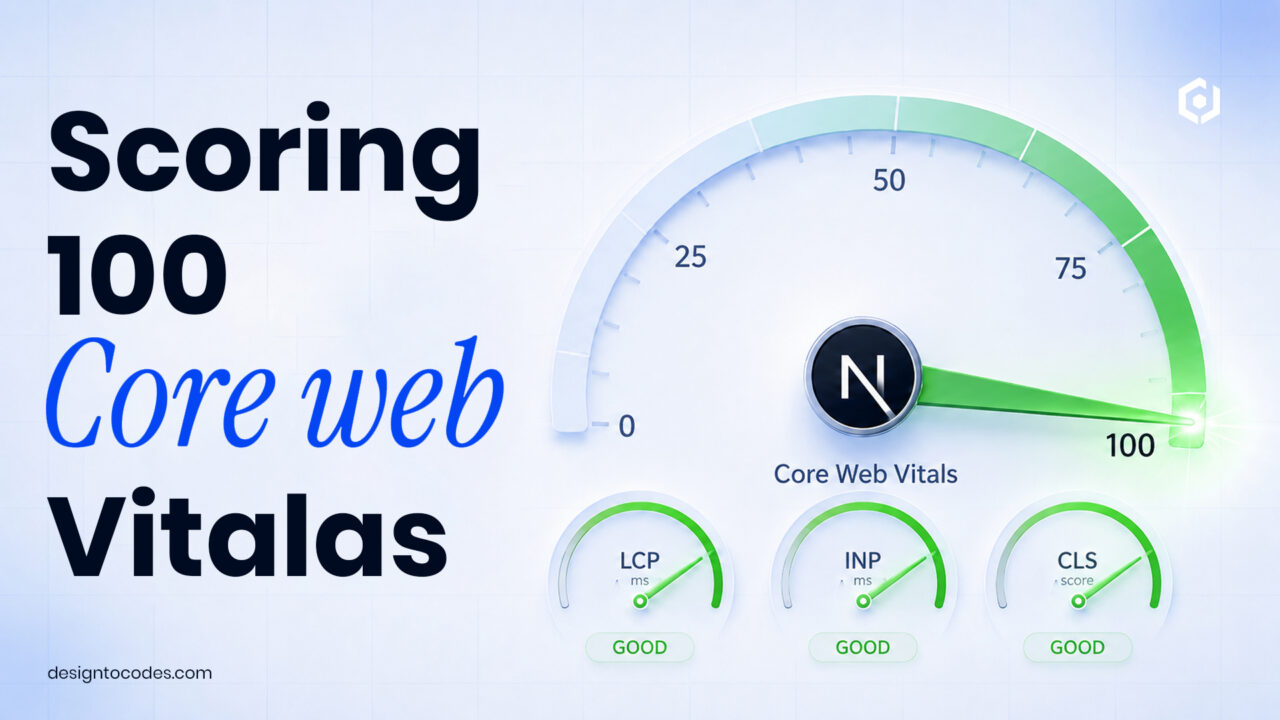
How do you pass Next.js Core Web Vitals and score 100/100 in 2026?
To score 100/100 on Core Web Vitals in a Next.js app: render content on the server, serve images through next/image, load fonts with next/font to kill layout shift, defer non-critical JavaScript, and set explicit dimensions on every media element. The framework gives you the tools — the score comes from using them deliberately. Here’s the exact checklist. You must know the next.js core web vitals.
Learn how to fix next.js core web vitals efficiently.
The three metrics, and what actually moves them for next.js core web vitals
| Metric |
Target |
Biggest lever in Next.js |
| LCP (load) |
< 2.5s |
Server-render the hero; optimize its image |
| INP (interactivity) |
< 200ms |
Ship less client JS; use Server Components |
| CLS (stability) |
< 0.1 |
Set dimensions on images, fonts & embeds |
Fix LCP — your hero is almost always the culprit
The Largest Contentful Paint element is usually the hero image or headline. Two moves fix most LCP problems:
import Image from 'next/image'

<Image
  src="/hero.webp"
  alt="Product dashboard"
  width={1200} height={600}
  priority   /* preloads the LCP image */
/>
The priority flag preloads the hero so it paints first. Combined with server rendering (the default in the App Router), the meaningful content arrives in the initial HTML instead of waiting for JavaScript.
Fix CLS — eliminate layout shift before it happens
Layout shift comes from elements that load without reserved space: images without dimensions, web fonts that swap, and injected ads or embeds. Next.js solves the font case cleanly:
import { Inter } from 'next/font/google'
const inter = Inter({ subsets: ['latin'], display: 'swap' })
// applied via className — fonts self-host, no layout shift
Always pass width and height (or use fill with a sized container) to every next/image. Reserve space for any embed or ad slot with a min-height.
Fix INP — the 2024+ metric most sites fail
Interaction to Next Paint replaced First Input Delay and is stricter. It measures how fast the page responds to taps and clicks. The cause of poor INP is too much JavaScript running on the main thread. In the App Router:
- Keep components as Server Components by default; only add
'use client' where you truly need interactivity.
- Code-split heavy client components with
next/dynamic so they don’t block initial interaction.
- Move expensive work off the main thread or defer it until after first paint.
import dynamic from 'next/dynamic'
const Chart = dynamic(() => import('./Chart'), { ssr: false })
// heavy widget loads only when needed, not on first paint
The pre-launch checklist
- Hero image uses
next/image with priority.
- Fonts loaded via
next/font (self-hosted, display: swap).
- Every image and embed has reserved dimensions.
- Client JS minimized — Server Components by default.
- Heavy widgets code-split with
next/dynamic.
- Measured on real mobile in PageSpeed Insights, not just desktop Lighthouse.
That last point matters: lab scores flatter you. Always validate against field data (the Chrome UX Report) in Search Console’s Core Web Vitals report.
Why this is also an SEO and AI-visibility win
Core Web Vitals are a confirmed Google ranking signal, and fast, server-rendered HTML is also what AI crawlers parse most reliably — a page that renders its content server-side is far more likely to be read and cited by AI Overviews and assistants than one that paints everything with client JavaScript. Performance is now an AEO advantage, not just a UX one. Our Next.js templates ship with these optimizations already in place.
Frequently asked questions
Does Next.js automatically pass Core Web Vitals?
No — it gives you the tools (server rendering, next/image, next/font) but you must use them correctly. A misconfigured Next.js site can still fail, while a well-built one scores 100.
What is the hardest Core Web Vital to pass?
INP (Interaction to Next Paint) for most sites, because it’s caused by shipping too much client-side JavaScript. Defaulting to Server Components and code-splitting heavy widgets is the fix.
Is Next.js good for SEO?
Yes. Server-side rendering delivers complete HTML to crawlers, the Metadata API handles tags without plugins, and strong Core Web Vitals support ranking. It’s one of the strongest frameworks for SEO in 2026.
How do I measure real Core Web Vitals?
Use field data, not just lab scores: the Core Web Vitals report in Google Search Console and the Chrome UX Report reflect real users. Lighthouse is useful for debugging but can be optimistic.