How do you back up a WordPress website?
There are three reliable ways to back up a WordPress website: use a backup plugin like UpdraftPlus or Duplicator (the easiest), use your web host’s built-in backup tool, or do it manually by downloading your files via FTP and exporting the database through phpMyAdmin. A complete backup includes both your files and your database, and it should be stored somewhere off your server.
Learning how to back up a WordPress website is the single cheapest insurance you can buy for your site – one bad update, a hack, or a hosting failure can wipe months of work, and a fresh backup turns a catastrophe into a ten-minute restore. Backups are the safety net that makes everything else – updates, plugin changes, security hardening – safe to attempt. Below are the three methods, from easiest to most manual, plus where to keep your backups.
What a full backup includes
| Part |
Contains |
Backed up via |
| Files |
Themes, plugins, uploads, wp-config |
Plugin/FTP |
| Database |
Posts, pages, settings, users |
Plugin/phpMyAdmin |
You need both. Files without the database (or vice versa) will not restore a working site.
Method 1 – Use a backup plugin (easiest)
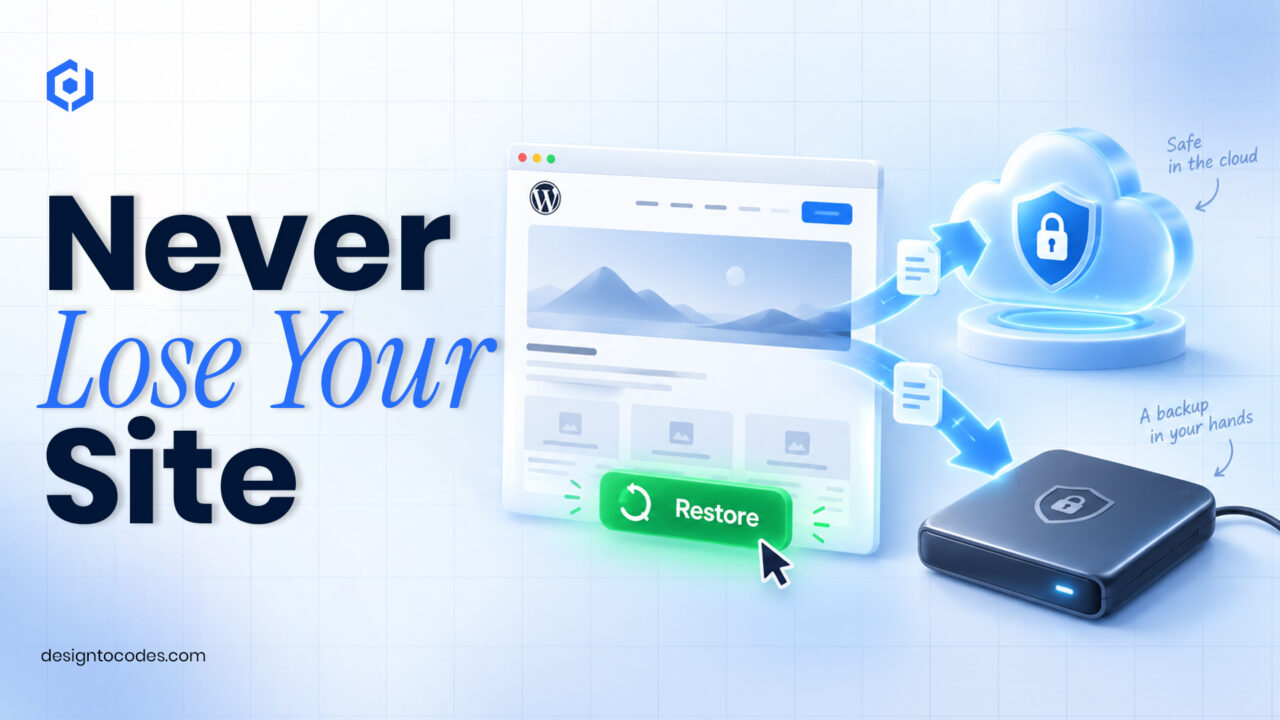
Plugins like WP BackupX, UpdraftPlus, Duplicator, or Jetpack VaultPress handle everything: install, set a schedule, and send backups straight to Google Drive, Dropbox, or S3. Most can restore with one click too. For the vast majority of site owners, this is the right choice – set it and forget it. Try WP BackupX for the easiest and most secure backup and migration for WordPress websites.
Method 2 – Use your host’s backup tool
Many hosts run automatic daily or weekly backups and offer one-click restore from the hosting panel. This is convenient, but treat it as a bonus, not your only line of defence – host backups can be infrequent, limited in retention, or lost if the host account itself has a problem. Always keep at least one backup somewhere else.
Method 3 – Manual backup (full control)
For complete control, download all your site files with an FTP client (FileZilla), then export the database from phpMyAdmin as a .sql file. Store both together. It’s more effort, but it works on any host and gives you a portable copy you fully own. This is also the method behind most site migrations.
Where and how often to store backups
Follow the 3-2-1 idea: keep multiple copies, in more than one place, with at least one off-site (cloud storage or your own computer – not just on the server). Schedule backups to match how often you change your site: daily for active or eCommerce sites, weekly for slower ones, and always before a major update. And test a restore occasionally – a backup you’ve never restored is only a hope.
Related guides
Pair backups with the rest of good maintenance:
Frequently asked questions
What is the easiest way to back up WordPress?
A backup plugin like UpdraftPlus or Duplicator. Install it, set a schedule, and send backups to cloud storage – most also restore with one click.
Do I need to back up both files and the database?
Yes. Files hold your themes, plugins, and uploads; the database holds your posts, pages, and settings. You need both to restore a working site.
How often should I back up my website?
Match it to how often the site changes: daily for active or eCommerce sites, weekly for slower ones, and always before a major update.
Isn’t my host’s backup enough?
Treat it as a bonus, not your only copy. Host backups can be infrequent or lost with the account itself, so always keep at least one backup off-site.