

On this page
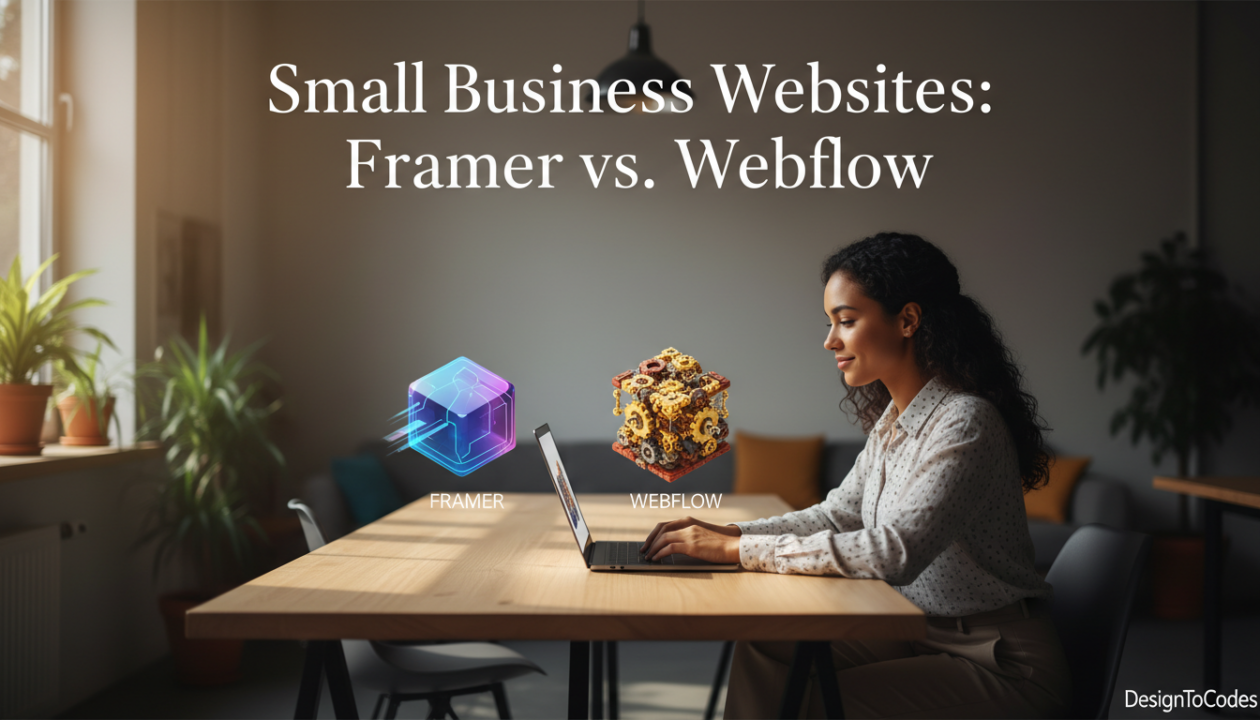
If you’re building a website for your small business in 2026, you’ve likely heard about Framer and Webflow. Both are modern web builders that promise professional results without hiring a developer. But they approach the problem differently, and the choice matters. I’ve spent months testing both platforms with real small business clients—a kitchen cabinet company, a personal training studio, a consulting agency. This comparison is based on real-world experience, not marketing hype.
The Quick Verdict
Framer wins for small service businesses that want a fast, beautiful website without complexity. Webflow wins for agencies, developers, and businesses needing advanced customization or client management features. Keep reading for the nuanced breakdown.
Design & Templates
Framer
- Template quality: Exceptional. Framer’s templates are designed by world-class designers. They’re publication-ready out of the box. Gymkear, Cabinetify, and AutoVibefix feel premium.
- Design system: Framer includes component libraries, global styles, and design tokens. Change one color, and it updates everywhere automatically.
- Customization ceiling: You can customize extensively, but it’s not infinitely flexible. If you need pixel-perfect control over every element, you’ll hit limitations.
- Ease of use: Intuitive. The UI is clean and logical. Most small business owners can customize their site without watching tutorials.
Webflow
- Template quality: Good, but less consistent. Webflow offers community-built templates alongside official ones. Quality varies wildly.
- Design system: Advanced. Webflow gives you granular control—custom CSS, breakpoints, interactions, animations. It’s powerful if you know what you’re doing.
- Customization ceiling: Unlimited. If you can imagine it, Webflow can build it. The floor is higher (steeper learning curve), but the ceiling is higher too.
- Ease of use: Steeper learning curve. Webflow includes more options, which means more decisions. Small business owners often feel overwhelmed.
Winner: Framer for simplicity, Webflow for control.
Speed & Performance
Framer
- Load times: Exceptional. Framer’s rendering engine is optimized for speed. Average page load time: 0.8-1.2 seconds.
- Optimization: Automatic. Framer handles image optimization, code splitting, and caching. You don’t have to think about it.
- Mobile performance: Excellent. Framer sites score 90+ on Google PageSpeed Insights consistently.
- Global CDN: Framer uses CloudFlare’s CDN, so your site loads fast worldwide.
Webflow
- Load times: Variable. Depends on your design complexity and optimization practices. Can range from 1-3+ seconds.
- Optimization: Manual. You control performance through design decisions. Heavy animations, large images, or excessive interactions slow things down.
- Mobile performance: Good, but requires attention. You need to test and optimize. Without care, sites lag.
- Global CDN: Webflow uses Fastly CDN. Solid infrastructure, but performance depends on your site design.
Winner: Framer. Significant speed advantage, especially for mobile.
Pricing
Framer
- Free plan: Yes. Design, preview, and test for free. Publishing is limited.
- Pro plan: $12/month. Includes custom domain, up to 3 sites, professional analytics.
- Business plan: $24/month. Unlimited sites, team collaboration, priority support.
- Templates: Free and paid. Paid templates run $49-149. One-time purchase, unlimited use.
- Hidden costs: Minimal. Domain registration if you don’t have one ($10-15/year).
Webflow
- Free plan: Yes. Design, preview, publish to Webflow subdomain.
- Basic plan: $14/month. 5 projects, one custom domain, basic analytics.
- Standard plan: $29/month. Unlimited projects, unlimited custom domains, advanced analytics.
- Business plan: $99/month. Premium support, client billing, advanced permissions.
- Templates: Free community templates, paid premium templates ($49-199).
- Hidden costs: Add-ons add up. E-commerce features, form submissions to external services, advanced integrations cost extra.
Winner: Framer. Lower entry point and transparent pricing. Webflow’s add-ons get expensive fast.
E-Commerce & Forms
Framer
- E-commerce: Basic capabilities. You can sell products, but there’s no native shopping cart yet (though it’s coming). For now, integrate with Shopify or Stripe.
- Forms: Native form builder. Collect emails, contact inquiries, etc. Integrate with Zapier, Make, or email services for automation.
- Email capture: Simple and effective. Add email signup forms, manage lists with integrations.
- Limit: For product-heavy businesses, Framer’s e-commerce isn’t as robust as dedicated platforms.
Webflow
- E-commerce: Full-featured. Native shopping cart, inventory management, payment processing (Stripe), discount codes, abandoned cart emails. It’s real e-commerce.
- Forms: Advanced forms with conditional logic, multi-step forms, file uploads, calculations. Highly customizable.
- Email capture: Same as Framer—works well with integrations.
- CRM: Webflow includes CRM features for managing leads and customers (on higher plans).
Winner: Webflow. If you’re selling products or need advanced forms, Webflow has the edge.
Learning Curve & Support
Framer
- Learning curve: Shallow. Most small business owners can get started in minutes, not hours.
- Resources: Growing. Framer has documentation, templates, and YouTube tutorials. Community is smaller but engaged.
- Support: Email and community forum. Responsive, but not 24/7 live chat.
- Onboarding: When you buy a DesignToCodes template, you get personalized onboarding and 30 days of customization support.
Webflow
- Learning curve: Steep. Webflow is powerful but complex. Most people need to watch tutorials or take courses to use it effectively.
- Resources: Extensive. Webflow University is comprehensive. Hundreds of tutorials, courses, and certification programs.
- Support: Email, community, and live chat on higher plans. Generally responsive.
- Community: Massive. Lots of agencies, templates, and experts build on Webflow.
Winner: Framer for beginners, Webflow for learners willing to invest time.
Real-World Use Cases
When to Choose Framer
You’re a small service business: Gym, salon, consulting, plumbing, landscaping, etc. You need a fast, beautiful website that converts visitors into customers. But want it done in days, not months.
You want minimal ongoing management: Framer sites require almost no maintenance. Publish, monitor analytics, iterate based on user feedback.
You’re not selling products online: Your revenue comes from services, leads, or appointments. Framer’s lead-capture and conversion-optimization features are stronger than e-commerce.
You want a designer’s template: You prefer beautiful pre-built designs over building from scratch. No need to hire a designer or developer.
You value speed: Your site needs to load fast. Mobile visitors are critical to your business. Framer’s speed advantage matters.
When to Choose Webflow
- You’re selling products: You need a real e-commerce platform with inventory management, multiple payment methods, and customer accounts.
- You’re a designer or developer: You want granular control and the ability to build complex interactions, custom animations, or advanced layouts.
- You’re an agency: You build client websites and need client management tools, billing, and permissions. Webflow’s infrastructure supports this.
- You need advanced customization: Your business requires unique functionality that templates don’t provide. Custom code and integrations are essential.
- You’re willing to invest time: You or your team will spend time learning Webflow’s interface and best practices. The payoff is unlimited control.
Direct Comparison Table
| Feature | Framer | Webflow |
| Template Quality | Excellent | Good |
| Page Load Speed | Best | Good |
| Learning Curve | Shallow | Steep |
| Pricing | Lower | Higher |
| E-Commerce | Basic | Advanced |
| Customization Control | Good | Unlimited |
| For Beginners | Best | Challenging |
The Verdict for Small Service Businesses
If you’re a small service business (gym, salon, plumbing, consulting, etc.) and you want a professional website without headaches, Framer wins decisively.
Here’s why:
- Speed. Your website loads in under 1 second. Google rewards fast sites with better search rankings. You rank higher than competitors using WordPress or outdated Webflow designs.
- Beautiful templates. Gymkear, Cabinetify, AutoVibefix—these are designed by professionals. Your site looks premium from day one.
- Ease of use. You customize in 30 minutes. No learning curve. No YouTube tutorials required.
- Conversion focus. Framer templates are built to convert visitors into customers. Clear CTAs, trust signals, mobile optimization—it’s all built in.
- Pricing. $12-24/month for hosting. A $50-150 template one time. Total investment: less than $100-150 for the first year.
Webflow is better for agencies, developers, and product-heavy businesses. But for a small service business that wants to be up and running next week with a beautiful site that converts? Framer is the clear answer.
Ready to Build Your Site?
Start with Framer and one of our professional templates. Customize in 30 minutes. Launch today. Watch your conversions grow.
Recent Posts



Recent Blogs
From the Journal
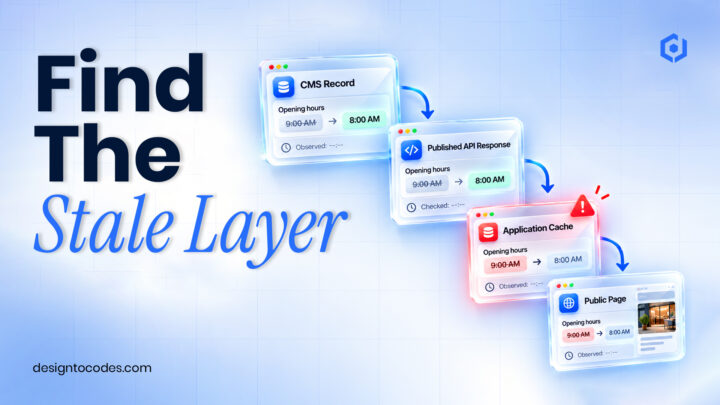
Why is updated CMS content not showing on a Next.js
- Oct 20, 2026
- 12:19 PM

Does a hotel website template include a working booking system?
- Oct 17, 2026
- 1:11 PM

How do you turn kitchen-project photos into a useful case
- Oct 13, 2026
- 11:46 AM
How do you build a gym class timetable that stays
- Oct 10, 2026
- 11:59 AM