

FAQ Accordion or Visible Answers? Choose a Useful Website Layout
Should website FAQs use an accordion or visible answers? Keep
On this page
Should website FAQs use an accordion or visible answers?
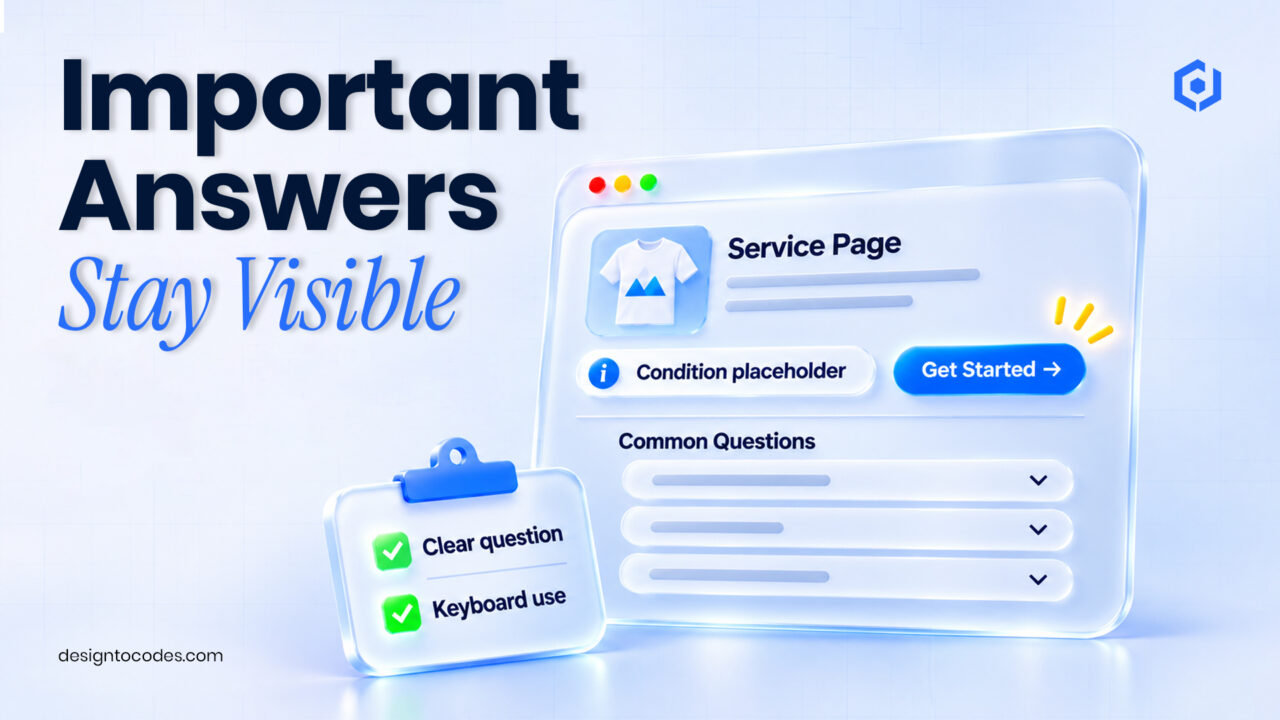
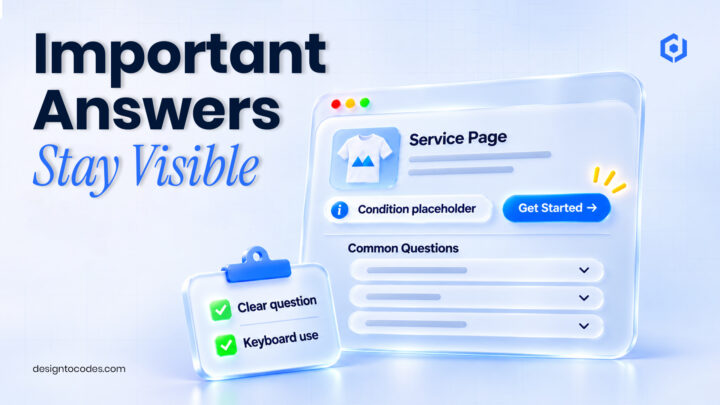
Keep essential buying information visible where the decision happens. Use an accordion when a longer set of secondary questions benefits from scanning and opening individual answers. The layout should make the questions discoverable and the controls usable; hiding important conditions does not make a page clearer.
A service page might need its coverage, scope and request process explained before the main action. Those facts should not exist only in a collapsed FAQ at the bottom. Questions about a specific exception or preparation detail may fit a secondary FAQ section instead.
This guide chooses the question set and interaction. It is distinct from a generic page-section checklist and from the existing CTA design guide. Tables and FAQs can help readers make a decision, but neither format guarantees rankings, rich results or citations in an answer engine.
Decide which information belongs where
| Information type | Useful default placement | Why |
|---|---|---|
| Core service scope | Visible service description | The visitor needs it to understand the offer |
| Important conditions | Beside the relevant price or action | Avoid hiding a condition until after the decision |
| A short set of essential answers | Visible question-and-answer text | No extra interaction is needed to read the basics |
| Many secondary questions | A clear grouped FAQ, possibly an accordion | Visitors can scan for a specific question |
| Long implementation instructions | A dedicated guide linked from a short answer | Keeps the service page focused |
Choose placement from the reader’s task rather than a desire to add another section. If the same critical question appears repeatedly in inquiries, first check whether the main offer already answers it clearly. An FAQ is not a substitute for an incomplete service description.
Step 1: gather questions that change a decision
Use real presale questions, support records and the actual operating process where available. Distinguish a customer’s wording from your team’s internal terminology. When you have no question history, label the draft as an editorial hypothesis and review it with the people answering inquiries.
Write a direct answer before designing the container. State the relevant condition and next step. Avoid an answer that merely repeats the question or says “contact us” for information the page could reasonably supply. Where the answer depends on a client’s scope, explain that dependency rather than inventing a universal rule.
Step 2: edit the question-and-answer set
| Editing check | Question to ask | Useful correction |
|---|---|---|
| Relevance | Does this help the intended visitor decide? | Remove filler questions |
| Directness | Does the first sentence answer the question? | Lead with the answer, then explain conditions |
| Accuracy | Can the operating team support the claim? | Replace an invented promise with the real process |
| Placement | Is this essential before the main action? | Move critical information into the visible offer |
| Depth | Is the answer becoming a full tutorial? | Summarize and link to the detailed guide |
| Maintenance | Who checks this when the service changes? | Assign a content owner and review trigger |
Group questions by the visitor’s concern rather than mixing every topic into one large accordion. Pricing, preparation and next steps can be useful groups when they reflect the actual offer. Avoid a grouping system that forces visitors to guess where a question belongs.
Step 3: choose a simple, usable interaction
A visible list of questions and answers is a valid design. For an accordion, the trigger needs to communicate the question and its expanded state. Keyboard users must be able to reach and operate the intended controls. The W3C accordion pattern documents expected interaction and semantics for custom widgets.
For a coded implementation, the native HTML details element is another option to evaluate. Do not add redundant custom behavior simply to imitate a complex component. Test the chosen implementation with its real labels, answer lengths and page layout.
In a visual editor or purchased component, check the published result rather than assuming a moving icon establishes accessible behavior. Confirm that opening an answer does not obscure the relevant action, unexpectedly collapse useful reading or leave keyboard focus in an unclear state.
Step 4: test with a question, not an animation
Give a reviewer one visitor task, such as finding whether a quote requires a site visit. Ask them to locate the answer without telling them which panel to open. Observe whether the question label and grouping make sense.
Then check phone and keyboard use. Can the user identify the control, open the answer and continue to the next relevant step? Does a long answer remain readable without horizontal scrolling? If several panels can be open, is the resulting page still manageable?
For request delivery, use the existing contact-form diagnosis guide. For fixed package presentation, use the pricing-table guide. Linking to the established owner gives the FAQ a useful exit without copying a full procedure into every answer.
Worked example: the important condition was hidden
This is a fictional service-page review. A business places the fact that staff must review every estimate request inside the last collapsed FAQ. The main button says “Book now,” so visitors expect a confirmed appointment.
The revised page states the request-and-review process beside the action and uses wording that matches it. The FAQ now covers secondary details, including what information helps the first response. A reviewer can understand the main process without expanding every question.
The recorded result is a clearer information hierarchy and a completed reading task. It is not evidence of increased bookings or an automatic search benefit. Those claims require separate observations.
Choose a section or a complete site around the real questions
Use a compatible section from the component library when the rest of the site works. Check its format and interaction before adding it. A FAQ layout change alone rarely establishes a need for a complete replacement.
For a freelance portfolio that also needs a new visual editing workflow, Grafik Framer is one candidate to inspect. Check the exact preview and delivered sections against your approved questions; do not assume a particular FAQ component is included. The Framer collection supplies alternatives for other briefs.
Compare editing responsibility, customization, hosting and any separate form or booking service. A client handoff also needs an answer owner who keeps conditions current. DesignToCodes sells the linked products. Choose the smallest implementation that presents the answers clearly.
Frequently asked questions
Must every FAQ be an accordion?
No. A short visible answer set can be easier to read. Use an accordion when it helps people scan a longer set of secondary questions.
Should important price conditions be hidden in FAQs?
Place important conditions beside the relevant offer or action. A secondary FAQ can explain further detail but should not be the only place a decision-critical fact appears.
Does an opening animation prove accessibility?
No. Check the controls, expanded state, keyboard operation and actual reading experience.
Will FAQ markup guarantee search features?
No. Use the site’s supported SEO system and truthful visible content. No rich result or AI citation is promised by this layout choice.
When should an answer link to a separate article?
When the full explanation is a distinct procedure or task. Give a useful short answer and link to the established detailed guide.
Browse Framer options for your editing and answer-layout needs.
Related reading
Sources and platform references
Recent Posts


Recent Blogs
From the Journal
Should website FAQs use an accordion or visible answers? Keep
- Nov 24, 2026
- 1:29 PM
What should a freelance design project inquiry ask? Ask enough
- Nov 21, 2026
- 4:10 PM
Can you host a Next.js template on static shared hosting?
- Nov 17, 2026
- 4:05 PM
Why do one-page website links land in the wrong place?
- Nov 13, 2026
- 1:02 PM