

How to Write a Freelance Design Inquiry Brief Clients Can Complete
What should a freelance design project inquiry ask? Ask enough
On this page
What should a freelance design project inquiry ask?
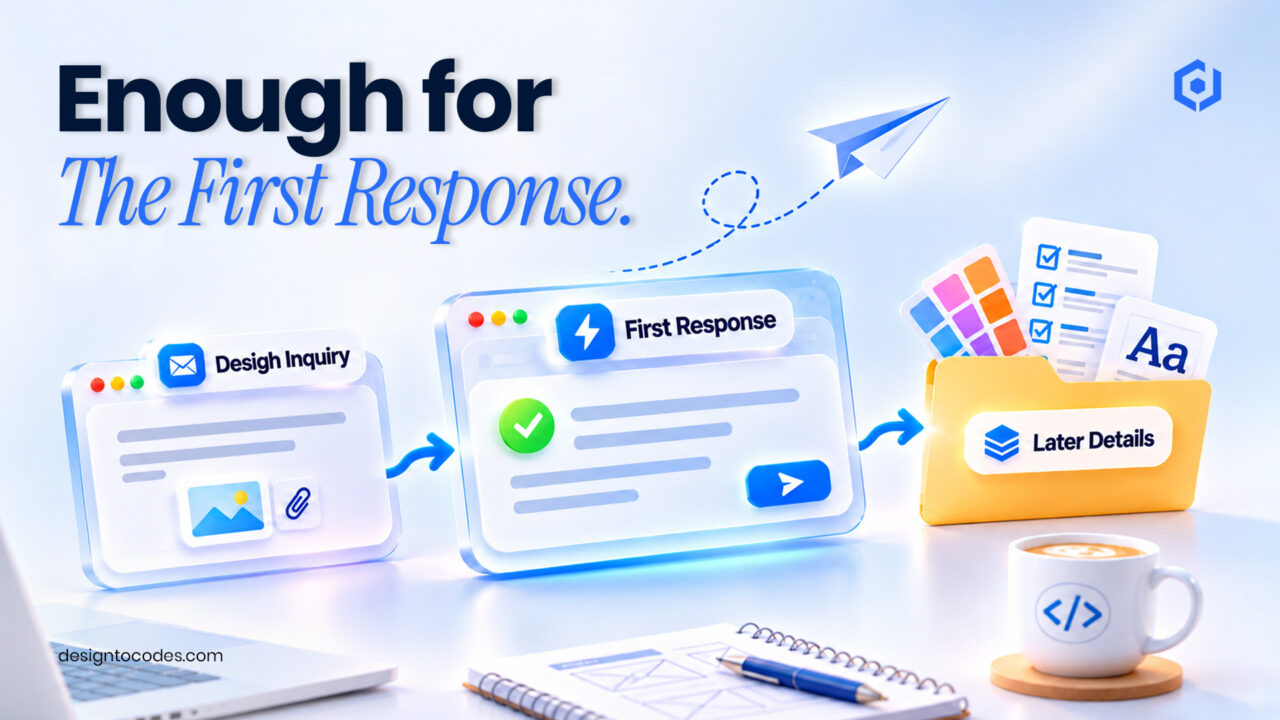
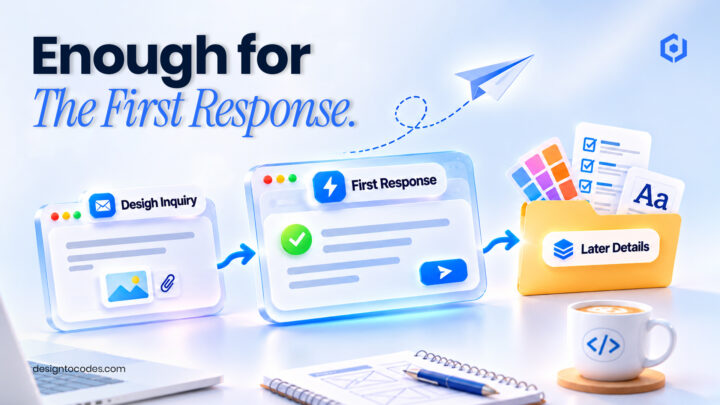
Ask enough to understand the requested work and make a useful first response: the project type, a short description, a contact method and any timing or scope detail that changes your ability to help. Explain what happens after submission. Save detailed discovery questions for the stage where they become necessary.
A portfolio can show relevant work and still receive vague messages such as “Need a logo, price?” The answer is not automatically a much longer form. First decide which information helps you route or answer the inquiry and which information belongs in a later conversation.
This guide designs the first project brief. The existing contact-form optimization guide owns usability and delivery diagnosis. Here, the task is choosing useful qualification questions for a design service without turning the initial request into a full discovery workshop.
Match questions to a business decision
| First-response decision | Useful question | Detail that can often wait |
|---|---|---|
| Is this a service I provide? | What kind of design work do you need? | A complete creative-direction questionnaire |
| Can I understand the request? | What are you trying to make or change? | Every deliverable specification |
| Can I contact the right person? | A reliable contact method | Multiple unnecessary personal fields |
| Does timing affect availability? | Is there a relevant target date? | A detailed project schedule before scope is known |
| Is there an important constraint? | A short optional note about the constraint | Sensitive files or private business records |
Give each required field a job. If you cannot name the decision it supports, consider removing it from the initial request. A form that gathers more data is not necessarily a form that produces more useful conversations.
Step 1: Define the response you want to send
Write the first response before writing the form. It might confirm whether the project fits your services, ask one clarifying question or offer the next discussion step. The needed inputs follow from that response.
For example, a packaging designer may need to know whether the client wants a new identity or applications of an existing brand. A website designer may need to know whether the work is a new site or a redesign. Use labels your intended customer understands rather than internal production terminology.
Step 2: Distinguish essential and optional inputs
| Input | Why it may help | Sensible treatment |
|---|---|---|
| Project/service type | Routes the request | Use a short understandable choice list where useful |
| Short project description | Supplies context in the client’s own words | Explain what a useful answer could contain |
| Contact method | Enables the response | State which information is needed |
| Target date | Identifies a timing constraint | Allow uncertainty when the client does not know |
| Budget context | May identify a commercial fit | Explain ranges and uncertainty honestly if used |
| Reference link | Helps clarify direction | Keep optional and avoid requiring private uploads |
Do not make a client invent precise answers simply to submit. If a date or budget is unknown, let them say so when your workflow can handle that. A false precision field can produce less useful information than a short explanation.
Keep price presentation clear. If you publish genuine starting prices or packages, explain their scope on the service page and use the existing pricing-table guide for the layout. A request form should not imply that an indicative figure is a confirmed quote.
Step 3: Explain the next step beside the action
Tell the visitor whether the action requests a discussion, asks for an estimate or books a confirmed appointment. Use a response expectation only when your team can meet it. “Request a project discussion” can be more accurate than “Start your project” when scope still needs agreement.
Connect the brief to relevant evidence. After a branding case study, a short invitation to discuss a similar identity project gives the visitor useful context. A generic button repeated after every image can interrupt the work without explaining the process. The existing CTA guide covers presentation patterns.
Step 4: Keep the interaction understandable
Use visible labels and helpful instructions. Explain required fields and errors in text. The W3C forms tutorial covers labels, instructions and feedback; check the actual implementation with keyboard and phone use rather than relying on the design preview.
Keep your internal qualification notes out of the public interface. The visitor needs clear questions and an honest next step, not the agency’s database-field names or implementation instructions. If an attachment is genuinely necessary later, handle it through the agreed process rather than asking every first-time visitor to upload confidential documents.
Worked example: the wrong detail at the wrong time
This is a fictional freelance workflow. An initial form requires brand values, a full competitor analysis, final copy and all deliverable sizes. Several prospective clients do not yet know those answers, while the designer still has to ask whether the project is branding or website work.
The revised brief asks for the service type, a short goal, contact information and relevant timing. A note explains that detailed discovery follows after fit is established. A sample inquiry gives enough context for the designer to ask a useful next question without pretending scope has been finalized.
The team records whether received requests contain the information needed for a first response. It does not assume that a higher submission count means more qualified projects, and it does not invent a conversion uplift.
Step 5: Measure quality and receipt separately
Check that a permitted test request reaches the intended destination and that someone owns the response. Then evaluate whether actual inquiries supply useful context. Missing submissions and low-quality submissions are different problems.
Track received requests, qualified discussions, proposals and paid work as separate stages under a consistent process. A form-start event or a click on the request button is not a completed project sale. Use the portfolio structure guide when the preceding case studies need clearer relevance.
Choose a layout and an inquiry-processing arrangement
If your existing site can present the questions and deliver inquiries reliably, improve that workflow first. Use the contact-form guide to check delivery separately from the wording of the brief.
For a new implementation, compare Grafik Framer for visual editing with GraphixPro Next.js for code-managed editing. Check the preview with your actual questions. Confirm which fields and sections are included, what customization is needed and which service receives the message. A form layout is not evidence of a connected inbox or CRM.
Include processing services, setup and maintenance in the cost comparison. For client delivery, agree who owns the account and responds to inquiries. DesignToCodes sells these layouts; neither is a promise of qualified leads or paid projects.
Frequently asked questions
How many fields should the initial inquiry have?
Use the fields needed for a useful first response. There is no universal count that guarantees qualified leads.
Should budget always be required?
Decide whether it changes the next response and how uncertainty is handled. Explain any ranges and do not force invented precision.
Is an inquiry the same as a booked project?
No. A received request, qualified discussion, proposal and paid engagement are different stages.
Should I collect a full creative brief immediately?
Only when that suits the actual service process. Detailed discovery can follow an initial fit discussion.
Does a portfolio template include message processing?
Check the exact package and integration. A displayed form or success state does not prove destination receipt.
Review Grafik Framer for your project-inquiry layout.
Related reading
Sources and platform references
Recent Posts


Recent Blogs
From the Journal
What should a freelance design project inquiry ask? Ask enough
- Nov 21, 2026
- 4:10 PM
Can you host a Next.js template on static shared hosting?
- Nov 17, 2026
- 4:05 PM
Why do one-page website links land in the wrong place?
- Nov 13, 2026
- 1:02 PM
Why do portfolio images look blurry after publishing? Check the
- Nov 10, 2026
- 11:36 AM