

Can a Next.js Template Use Static Shared Hosting? A Checklist
Can you host a Next.js template on static shared hosting?
On this page
Can you host a Next.js template on static shared hosting?
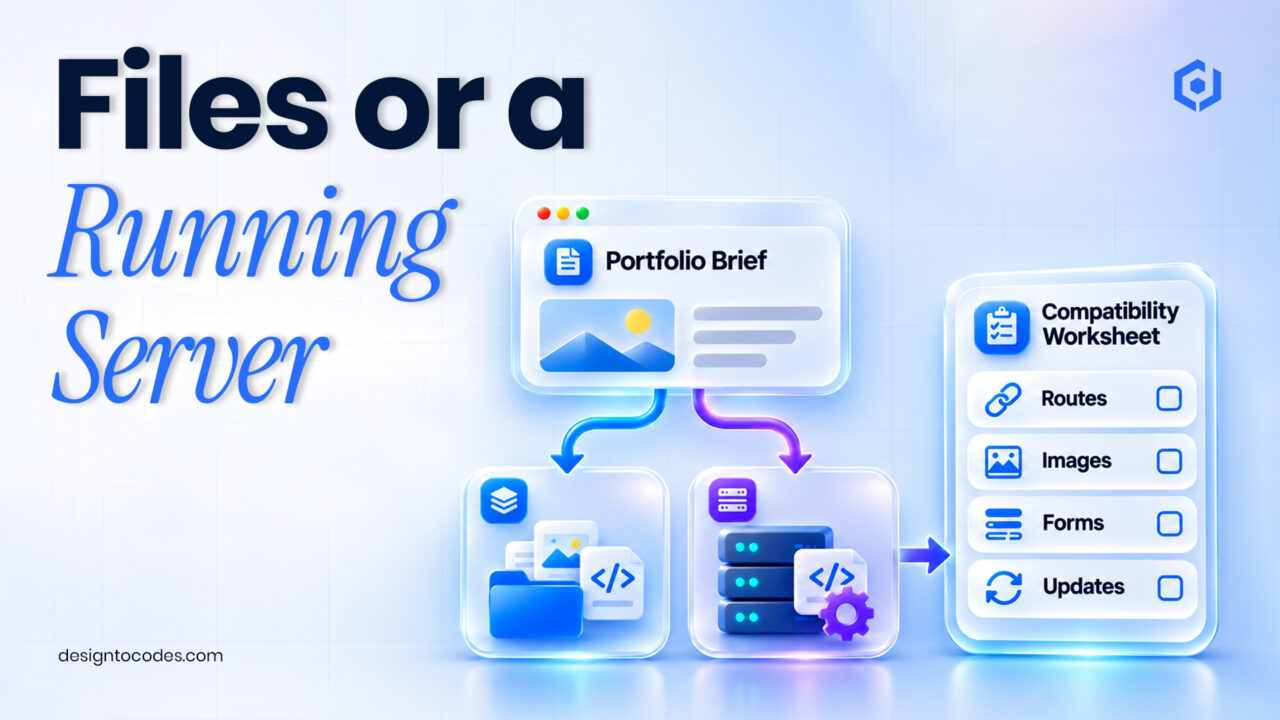
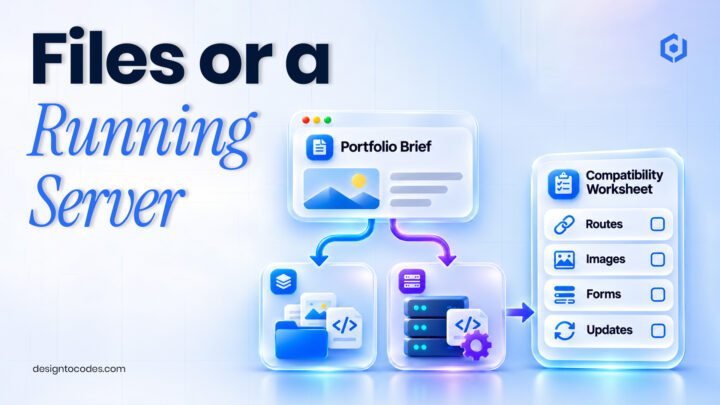
You can use static hosting when the application’s required pages and assets can be exported as files and its features do not require a running Next.js server. Check the actual template, router, image handling and integrations before buying hosting. “Built with Next.js” does not by itself establish static-export compatibility.
A portfolio made of project pages can have different hosting needs from a dashboard with authenticated server behavior. A low-cost hosting plan that serves HTML files may suit the first arrangement, but it cannot automatically supply the second. The buying decision should follow the required application behavior.
This guide is a compatibility worksheet, not a framework comparison or a test of downloadable DesignToCodes packages. The existing Framer/Next.js comparison covers the wider operating choice; this article answers a specific Next.js hosting question.
Separate static files from server requirements
| Website requirement | Static-hosting question | Decision to document |
|---|---|---|
| Project and information pages | Can all required pages be generated as files? | Which URLs must exist after export |
| Contact request | What service processes the message? | External endpoint or a server-capable implementation |
| Runtime personalization | Does the behavior need server processing? | Whether a static host meets the real scope |
| CMS edits | When does published content become a new build? | Update trigger and responsible person |
| Image handling | Is the configured delivery method export-compatible? | Required component/loader arrangement |
| Private data | Where are authentication and secrets handled? | A suitable implemented backend, not public files |
Use the worksheet to identify required behavior rather than treating static hosting as a universal upgrade. A public portfolio and an internal application are different workloads. The template’s demo may also contain sample actions that are not implemented in the delivered package.
Step 1: inspect the delivered application’s scope
Before purchase, ask for documentation that identifies supported deployment modes and included integrations. After obtaining the files, check the installed Next.js version and router. Inspect the scripts, configuration, routes and environment-variable requirements before following instructions for a different release.
The official Next.js static-export guide describes export configuration and its limitations. Use the version-specific documentation appropriate to the project. A product page listing a framework is not a successful export test of the purchased archive.
Step 2: inventory the features that need an answer
| Inspection item | Evidence to request or record | Acceptance question |
|---|---|---|
| Export configuration | Matching project documentation/configuration | Is a static export actually supported for this project? |
| Generated routes | Output and route list | Are all important project/detail URLs present? |
| Form processing | Endpoint and delivery arrangement | Where does a permitted test request arrive? |
| Images and assets | Published image behavior | Do the actual paths and delivery setup work on the chosen host? |
| Content updates | Build/publish workflow | Who generates and deploys changed content? |
| Server-dependent behavior | A list of required runtime features | Does the host provide what those features require? |
Do not use a passing build as the only acceptance criterion. It is possible to publish files successfully while an important image, nested page or inquiry route fails. Test the output at the path and host arrangement that visitors will actually use.
Step 3: distinguish application code from external services
A static page can link to or communicate with an external service when that service supports the implemented arrangement. That does not mean the static host itself processes reservations, email or private data. Name the provider, integration work and continuing responsibility.
For example, an information-only portfolio may use a separately configured form provider. The developer must implement the request correctly and verify receipt. The existing contact-form diagnosis guide explains the distinction between a success message and destination delivery.
Never place confidential credentials in public browser code merely to make a static deployment work. If the requirement needs a protected server operation, choose and implement a suitable backend or a server-capable deployment. The hosting decision should preserve the application’s real boundaries.
Step 4: rehearse updates, not just the first deployment
Decide what happens when a project title, service description or opening hour changes. An export based on build-time content needs a process for producing and deploying updated output. Check that the person maintaining the portfolio can carry out that process.
For a CMS-backed implementation, use the existing stale CMS update guide if the record and public page disagree. Its diagnosis is separate from the decision about whether your hosting supports the chosen architecture.
Also check the site’s actual URL paths. A deployment under a subdirectory or a host with different file routing may expose asset and navigation assumptions. Use the URL-mapping checklist when a redesign moves established pages, rather than renaming every page by default.
Worked example: a portfolio with an unsupported server assumption
This is an illustrative planning example. A developer chooses basic file hosting for a portfolio. The visual pages export, but the planned contact route assumes a server operation that the host does not provide. A successful upload is initially mistaken for a complete launch.
The compatibility review identifies the message-processing requirement. The team either implements an appropriate external provider and tests it, or chooses hosting that supports the application’s server behavior. It also verifies the exported project pages and image paths.
The example demonstrates a scope decision. It does not claim that a named DesignToCodes template includes either implementation, and it does not promise a particular hosting cost or performance score.
Choose the exact package and its operating costs
Shortlist Grafik v2 Next.js or NextGenAppsPro Next.js against the completed inventory. Ask for the supported deployment mode, current package dependencies, form-processing boundary and update procedure. Neither product has been certified by this guide as static-export compatible.
The free NextGenAppsPro is a separate HTML/Bootstrap starter. It may suit a simpler file-based brief, with its own editing and integration work. A framework change is not a drop-in upgrade.
Budget separately for the template, hosting/domain, external services and maintenance. Name the person responsible for updates and confirm client-use terms for client projects. If you are considering visual editing instead, use the existing Next.js-versus-Framer comparison. Framer does not provide HTML export for self-hosting; its operating model is different from uploading static files. See Framer’s export guidance. DesignToCodes sells the linked templates.
Frequently asked questions
Is every Next.js template compatible with static hosting?
No. Check the actual application’s features, export configuration and output. A framework label does not answer those questions.
Can a static portfolio have a contact form?
Yes, with an appropriate implemented processing service. Verify where the request is handled and received; displaying fields is not enough.
Does a successful build prove that deployment is complete?
No. Test important public routes, images and integrations on the intended hosting arrangement.
Will CMS content update without another deployment?
That depends on the implemented architecture. A build-time export needs a defined update and deployment workflow.
Should I buy hosting before checking the template?
Document the application requirements first, then confirm that both the template implementation and host support them.
Review Grafik v2 Next.js with your hosting checklist.
Related reading
Sources and platform references
Recent Posts




Recent Blogs
From the Journal
Can you host a Next.js template on static shared hosting?
- Nov 17, 2026
- 4:05 PM
Why do one-page website links land in the wrong place?
- Nov 13, 2026
- 1:02 PM
Why do portfolio images look blurry after publishing? Check the
- Nov 10, 2026
- 11:36 AM
What should a SOC analyst portfolio case study show? Show
- Nov 06, 2026
- 7:11 PM