How can you launch a professional website in a weekend without coding?
You can launch a professional website in a weekend by choosing a template built for your use case, replacing its demo content with your own words and real photos, connecting a domain, testing on mobile, and publishing. The secret isn’t speed – it’s scope: pick a template, keep it to a few pages, and resist redesigning. A focused, live site beats a perfect one that never ships.
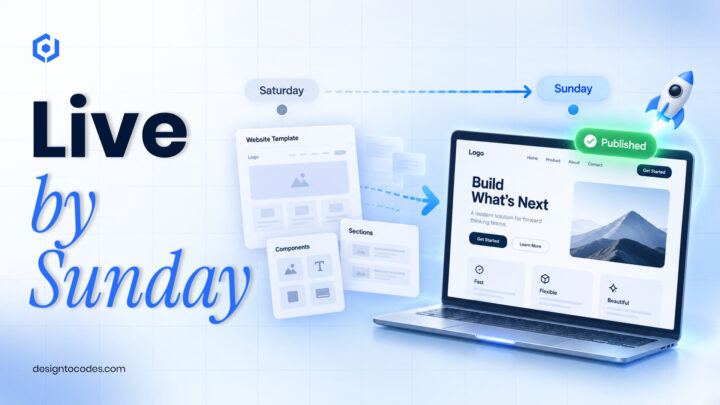
People assume a good website is a months-long project, and for most small businesses, that simply is not true anymore. Working out how to launch a website in a weekend is less about raw speed and more about being ruthless with scope – decide what “done” means, keep it small, and refuse to gold-plate before you are live. I have done this more times than I can count, and the two-day rhythm below genuinely works. If you are building for a specific kind of business, our guide on designing a small-business website is a good companion.
The mindset: scope, not speed
Most website projects don’t take months because the work is hard; they take months because the scope keeps growing. The weekend approach flips that: decide up front to ship a small, professional site – a strong homepage and a few key pages – and refuse to add scope until it’s live. You can always improve a published site; you can’t improve one that’s still “almost ready.”
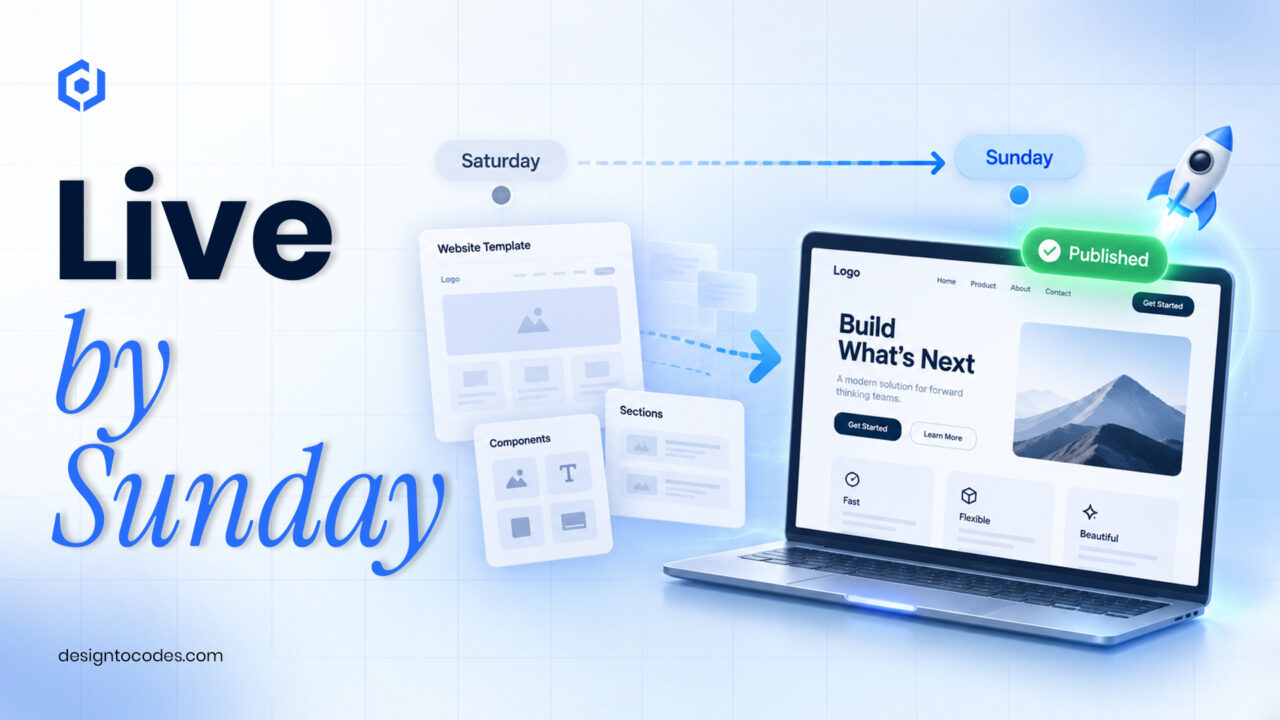
The two-day plan
| When |
Do this |
| Sat morning |
Pick a template; gather your text, logo, and real photos |
| Sat afternoon |
Replace all demo content with yours; set colors + logo |
| Sun morning |
Connect a domain; set up a contact form/email |
| Sun afternoon |
Test on mobile, run PageSpeed, fix top issues, publish |
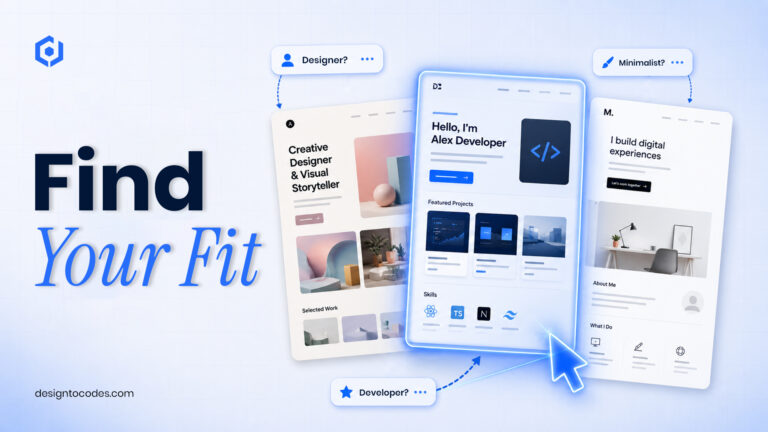
Step 1 – Pick the right template for your use case
Start from a template built for what you do, so most of the design decisions are already made. DesignToCodes has options across the common cases:
Step 2 – Replace the content (the real work)
Swap every piece of demo text for your own, and every stock image for a real photo of your work, product, or space. This is where the site becomes yours; budget most of Saturday for it. Write plainly, lead with what the visitor gets, and keep it short.
Step 3 – Domain, forms, and the essentials
Connect your domain (or buy one – about $12/year), set up a contact form or a visible email, add your favicon, and write a real title and meta description for each page. These small things separate a “template demo” from a real business site.
Step 4 – Test like a visitor, then publish
- Open it on a real phone – most visitors will.
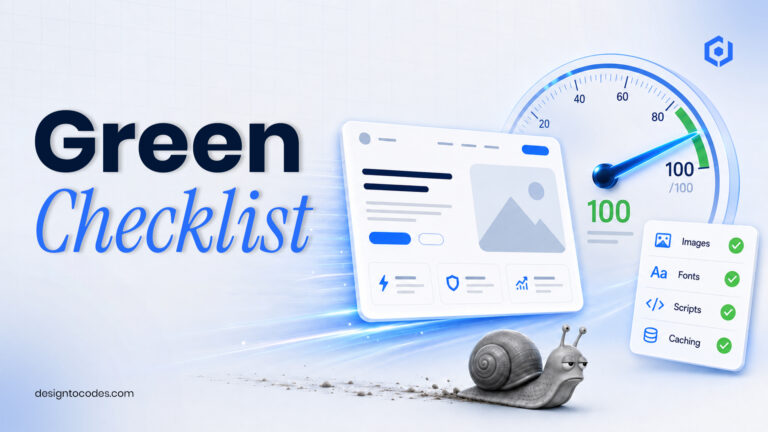
- Run PageSpeed Insights and fix the top issues (usually images).
- Click every link; submit the contact form to yourself.
- Publish. Then keep improving the live site.
What to leave for later
Blog, extra pages, animations, A/B tests, a custom design – all of it can wait. Launch the core, get it in front of people, and let real feedback guide what you build next. Shipping is the goal; polish is a follow-up.
Related guides
Before you publish, run through installing and configuring a template and speeding it up so launch day is smooth.
Frequently asked questions
Can you really build a website in a weekend?
Yes, if you start from a template and keep the scope small – a homepage and a few key pages. The design is done for you; your weekend goes into content, a domain, and testing.
Do I need to know how to code to launch a website?
No. WordPress and Elementor templates are edited visually, and even HTML or Next.js templates only need light editing and a host. Pick the type that matches your comfort level.
What’s the most important part of a weekend website?
Replacing the demo content with your real words and photos. The template handles the structure; your content is what makes it credible and worth visiting.
How much does it cost to launch a website this way?
Often just a domain (~$12/year) plus hosting, and a template that ranges from free to a modest one-time price. Far less than a custom build, and live in days rather than months.