What makes a professional portfolio website effective?
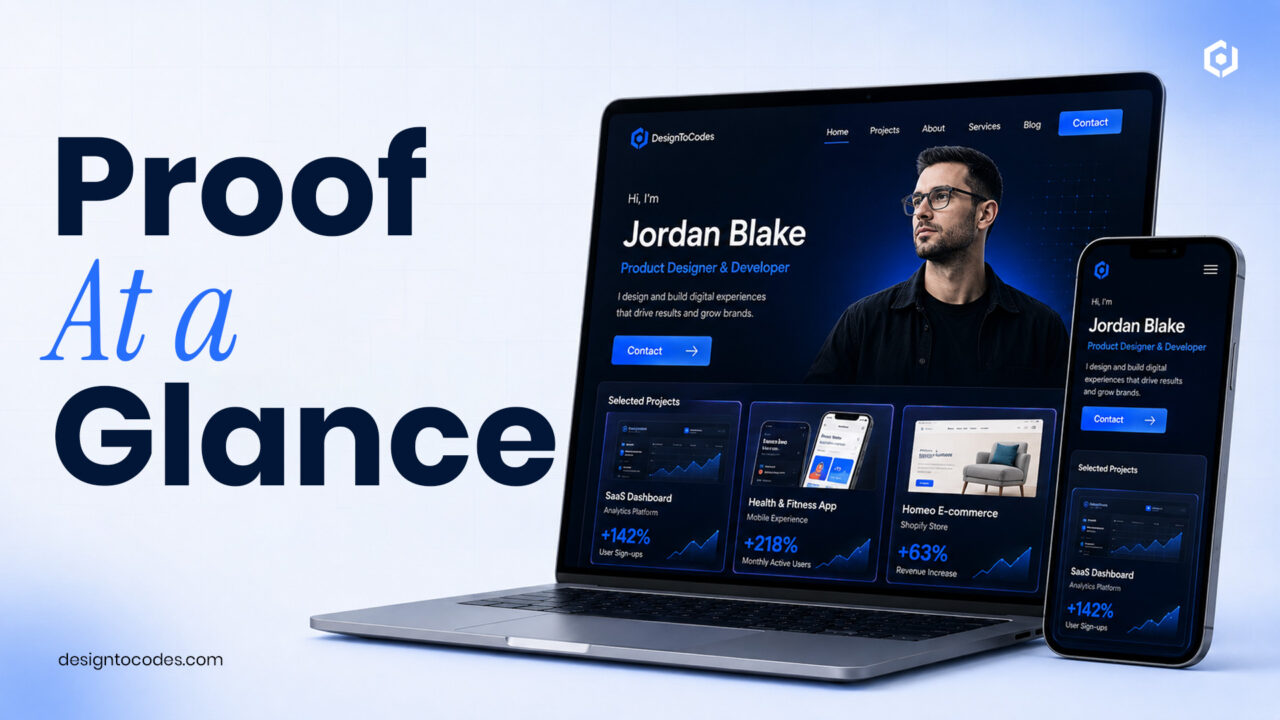
A professional portfolio website is effective when it proves value fast: three to four case studies that show a real problem, your role, and a measurable result, on a page that loads quickly and makes contacting you effortless. Across every field — design, development, writing, consulting — the pattern is the same. Reviewers scan for proof and clarity, not for everything you’ve ever made.
You must know how to create a perfect professional portfolio website efficiently.
The three questions every portfolio has to answer
Whoever lands on your portfolio — a recruiter, a client, a collaborator — is silently asking three things: Can this person do the work? Can they communicate it? Can I reach them easily? A professional portfolio answers all three above the fold. Most don’t, because they open with a mood-setting hero and a title like “creative professional” that could belong to anyone.
The sections a professional portfolio needs
- Hero with positioning — your name, your role, and the outcome you deliver, in one line.
- Selected work (3–4 case studies) — curated hard, each with a result.
- About — two human paragraphs and a photo; people hire people.
- Skills or services — grouped, scannable, relevant.
- Proof — a testimonial, a metric, a recognizable client or project.
- Contact — a visible email and a short form, no gatekeeping.
12 professional portfolio examples worth modeling
Rather than link screenshots that rot, here are twelve patterns that consistently work, by field:
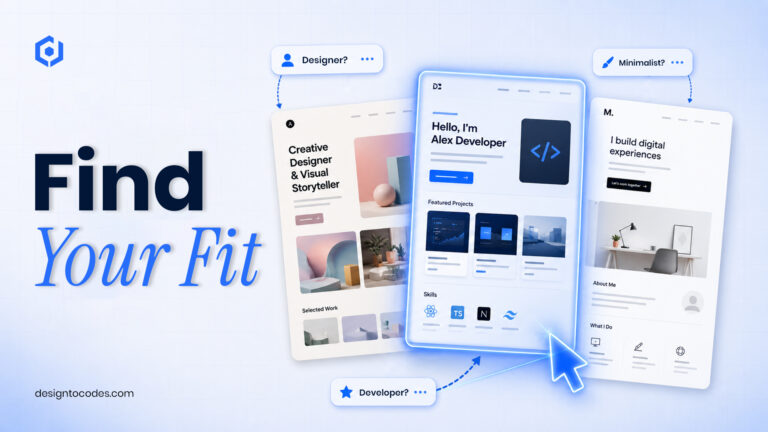
- Developer, case-study-first — projects with problem, stack, and a metric.
- Designer, work-in-context — mockups in the real world, plus process.
- Writer, clips + outcomes — a few strong pieces with what they achieved.
- Consultant, results-led — client challenge → approach → measurable result.
- UX designer, story-driven — one deep case study over many shallow ones.
- Photographer, gallery-first — fast image grid, minimal words.
- Marketer, metrics dashboard — campaigns framed by numbers.
- Engineer, GitHub + demos — live links that prove it runs.
- Freelancer, services + pricing — qualify the inquiry before it lands.
- Student/junior, projects + learning — show trajectory and finished work.
- Multi-disciplinary, one clear specialty — lead with the thing you want more of.
- Minimalist one-pager — name, one line, three projects, contact. Fast to build, hard to beat.
How to write the case study (the part that converts)
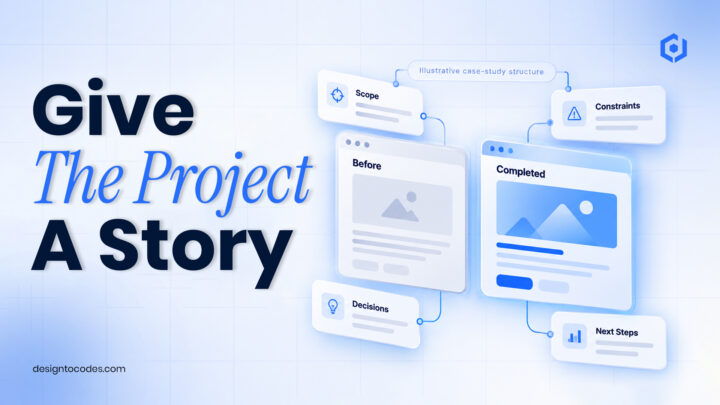
For each project: Problem (what needed solving, for whom), Approach (your role and key decision), Result (a number — time saved, users, revenue, engagement), and Link (live demo or artifact). “Redesigned onboarding and cut drop-off 24%” earns an interview; “worked on onboarding” doesn’t.
Performance is a professionalism signal
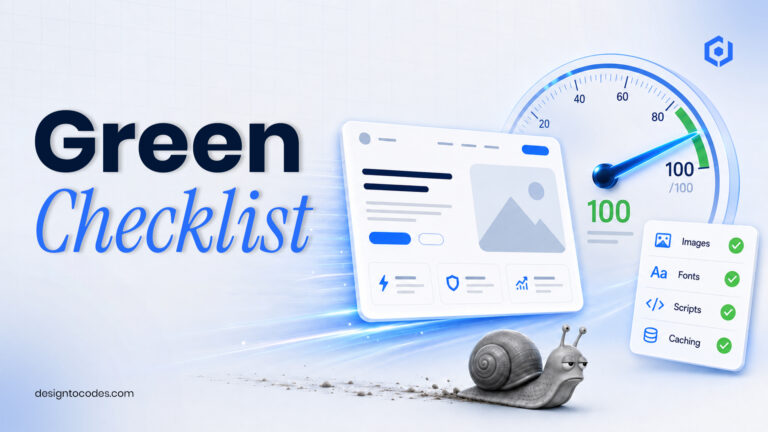
A portfolio that loads in four seconds undercuts the work it shows. Aim for Largest Contentful Paint under 2.5s, compress images to modern formats, and reserve space so nothing shifts. Starting from an optimized base is the fastest route — browse our professional portfolio templates (developer, designer, and one-page options) that ship fast out of the box.
Build it this weekend
Saturday: write your three case studies first (content before design) and gather links and images. Sunday: drop them into a template, run PageSpeed on mobile, fix the top three issues, and ship. A live, focused portfolio beats a perfect one that never launches.
Real portfolio templates to start from
Rather than abstract inspiration, here are production-ready DesignToCodes portfolio templates you can open, preview, and build on today — each matched to a type of professional:
| Template |
Best for |
Framework |
Price |
| NextGenAppsPro |
Web developers & engineers |
Next.js |
Free + Pro |
| Grafik V2 |
Designers & creatives |
Next.js / Elementor |
Premium |
| MyDevFolio |
Fast free one-pager (with Figma) |
HTML + Figma |
Free |
| Csume |
Cybersecurity/security pros |
HTML, Next.js, Framer, Astro |
Premium |
Browse the full set in the portfolio templates collection.
Portfolio patterns by field, at a glance
| Field |
Lead with |
Best format |
| Developer/engineer |
Projects + code + a metric |
Case-study-first |
| Graphic/brand designer |
Visual work in context |
Gallery + process |
| UX / product designer |
One deep case study |
Story-driven |
| Writer/content |
Clips + outcomes |
Selected work |
| Consultant/freelancer |
Client result |
Results-led + services |
| Student/junior |
Finished projects + trajectory |
Minimal one-pager |
Frequently asked questions
How many projects should a professional portfolio have?
Three to four strong case studies with results. Depth and clarity beat volume — reviewers would rather understand a few projects than scroll past twenty.
What should a portfolio homepage say first?
Your role and the outcome you deliver, in one line — not a generic tagline. It should tell a stranger in seconds whether they’re in the right place.
Do I need to build a portfolio from scratch?
No. A quality template lets you launch a fast, professional portfolio without code and frees your time for the case studies that actually win work.
What’s the most important element of a professional portfolio?
A case study that connects your work to a real result. That single element persuades more than design, animation, or a long skills list.