What makes a fast portfolio website template fast?
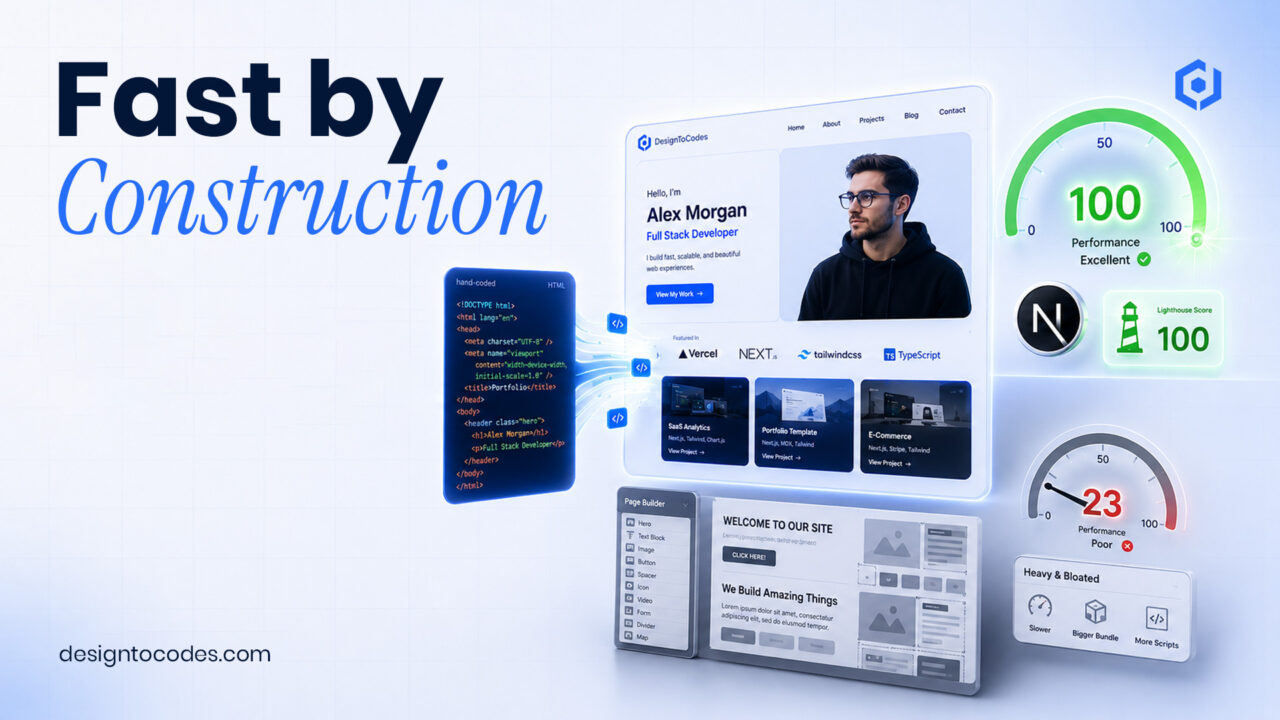
A fast portfolio website template is fast by construction, not by tweaking: it ships hand-coded, semantic HTML with minimal JavaScript, optimized images, and self-hosted fonts, so it passes Core Web Vitals out of the box. DesignToCodes portfolio templates are built this way deliberately — which is why they load faster and rank better than the page-builder-heavy alternatives. Here’s exactly how, and how to verify it yourself.
You must know how to create a fast portfolio website template.
Why most portfolio templates are slow
The majority of marketplace portfolio templates are built on heavy page builders or stuffed with animation libraries and sliders. That looks impressive in a demo and collapses in the field: multi-megabyte payloads, render-blocking scripts, and layout shift as fonts and images pop in. For a portfolio — where the visitor is judging your attention to detail — a slow site quietly argues against you.
How we build for speed
- Hand-coded, semantic HTML. No page-builder bloat — just clean markup the browser and crawlers parse instantly.
- Minimal JavaScript. We ship interactivity only where it earns its place, keeping the main thread free (good for INP).
- Optimized images by default. Modern formats, correct sizing, lazy loading, and reserved dimensions so nothing shifts.
- Self-hosted fonts. No font-swap flash, no third-party round-trips.
- Next.js where it counts. Templates like Grafik V2 use server rendering, so content is included in the initial HTML.
Why faster also means better ranking
Core Web Vitals are a confirmed Google ranking signal, and fast, server-rendered HTML is also what AI engines parse most reliably when deciding what to cite. So performance isn’t just UX — it’s SEO and AI visibility at once. A template that passes Core Web Vitals gives every page you build a head start that a bloated one spends months clawing back.
Verify it yourself (don’t take our word for it)
- Open any DesignToCodes portfolio template demo and run it through PageSpeed Insights on mobile.
- Compare it to a page-builder portfolio template’s demo on the same test.
- Open dev tools and check the total transferred size and number of requests.
- Tab through with your keyboard to confirm accessibility isn’t sacrificed for speed.
We publish these claims because they’re checkable. Fast isn’t a marketing word here; it’s a measurable property of how the templates are built.
Frequently asked questions
Why are hand-coded templates faster than page-builder templates?
Hand-coded templates ship only the HTML, CSS, and JavaScript the page needs. Page builders add layers of generated markup and scripts to stay flexible, which increases payload and slows rendering.
Do faster templates really rank better?
Core Web Vitals are a Google ranking signal, and fast server-rendered pages are easier for crawlers and AI engines to read. Speed won’t outrank great content alone, but it removes a real obstacle and helps.
How do I check if a portfolio template is fast?
Run the live demo through PageSpeed Insights on mobile, check the transferred size in dev tools, and compare it to alternatives. A fast demo is the best predictor of a fast finished site.