

On this page
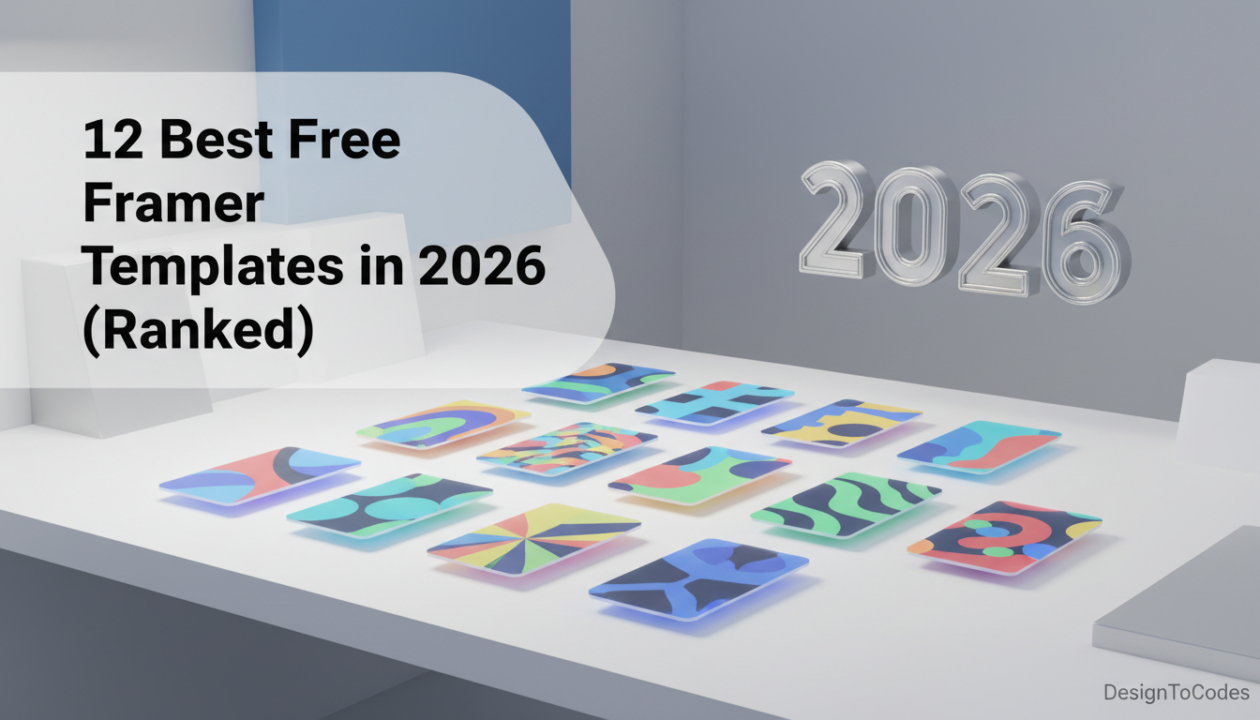
Building a website used to require a designer and a developer. Or at least a WordPress subscription and hours of setup. Now? You can launch a beautiful site using free framer templates 2026 in less time than it takes to prepare a decent meal. In this post, I’m ranking the 12 best free Framer templates available right now. These are genuinely useful, not stripped-down shadows of paid versions. You can launch a real business website with any of these.
I’ve tested each template, checking for mobile responsiveness, customization ease, load speed, and conversion potential. These rankings reflect actual usability, not just design aesthetics.
1. Portfolio Showcase — Best Overall Free Template
Best for: Creatives, freelancers, agencies, designers
This is the gold standard of free Framer templates. It’s clean, modern, and designed specifically to showcase work. The project grid loads beautifully on mobile, individual project pages tell stories, and the contact form works out of the box.
Standout Features
- Responsive project grid (adapts from 1 to 4 columns based on screen size)
- Individual project detail pages with images, descriptions, and results
- Integrated contact form
- Team member pages with bios and credentials
- Blog functionality ready to go
- Loads in 0.8 seconds on 4G
Customize the colors, swap in your project images, write your descriptions, and you’re ready to launch. Total customization time: 45 minutes.
2. SaaS Landing Page — Best for B2B Products
Best for: SaaS companies, software products, tools
If you’re launching a software product, this template is specifically designed to convert developers and business users. It includes pricing tables, feature comparisons, API documentation sections, and customer testimonials.
What Makes It Work
- Clear problem statement above the fold
- Product demo video section (or screenshot gallery)
- Pricing comparison with tier selection
- Feature list with icons and descriptions
- Integration showcase section
- Social proof with real customer logos
- CTA buttons strategically placed throughout
The layout follows conversion-optimization best practices. High-intent visitors find what they need immediately.
3. E-Commerce Product Showcase — Best for Selling
Best for: Retailers, physical product businesses, Shopify sellers
This template displays products beautifully and drives traffic to your Shopify store. Product cards show images, descriptions, pricing, and direct links to Shopify. Multiple layout options let you feature bestsellers or new arrivals.
Key Features
- Product grid with hover effects
- Product detail pages with full descriptions
- Customer reviews section
- Related products suggestions
- Newsletter signup for marketing
- Sale badge support for promotions
One drawback: it integrates with external e-commerce platforms (Shopify, WooCommerce). It doesn’t have built-in checkout. That’s fine if you’re using Shopify already. If you need everything in one place, consider a paid Framer template with native e-commerce.
4. Agency Website Template — Best for Service Providers
Best for: Marketing agencies, design studios, consulting firms
This template is built specifically for service businesses. It tells your story, showcases case studies, lists your services, and makes it easy for prospects to get in touch.
What You Get
- About section with team photos and bios
- Services list with descriptions and icons
- Case studies with real client results
- Testimonials from satisfied clients
- Process explanation (how you work)
- Contact form with file upload (for proposals)
The case study section is where this template shines. Displaying real results (increased revenue, improved metrics, successful launches) builds trust and credibility.
5. Personal Brand / Resume Website — Best for Job Seekers
Best for: Career changers, freelancers, consultants building personal brands
Looking for a new job? This template helps you stand out. It’s more dynamic than a traditional resume. You can include projects, recommendations, and a bit of personality.
Includes
- Hero section with professional photo and headline
- Experience timeline
- Skills with proficiency indicators
- Projects you’ve worked on with descriptions
- Recommendations from colleagues or clients
- Contact and social links
Send this link to recruiters instead of a flat PDF. It’s more memorable and showcases your technical ability to build a modern website.
6. Blog Starter Template — Best for Content Creators
Best for: Bloggers, journalists, content creators, authors
This is a no-frills blog template. Posts, categories, search, RSS feed—that’s it. Perfect if you want to focus on writing without fussing with design.
Features
- Article grid with previews and publish dates
- Category filtering
- Search functionality
- Individual article pages with comments section
- Related articles suggestions
- Author bio on each post
The load times are exceptional. Framer’s optimization means your content loads instantly, even on slow connections.
7. Fitness Studio Template — Best for Gym & Wellness
Best for: Personal trainers, yoga studios, fitness coaches
This free template is excellent for fitness professionals. Class schedules, trainer bios, testimonial transformations, and membership signups are all included.
Built-In Sections
- Class schedule with filtering
- Trainer profiles with specializations
- Transformation testimonials with before/after
- Pricing tiers
- Sign-up CTA
- Location and contact info
This is a solid free option for fitness professionals. If you want more advanced features (automated scheduling, client portals), consider upgrading to [LINK: Gymkear].
8. Event Website Template — Best for Conferences & Meetups
Best for: Event organizers, conference planners, meetup hosts
Hosting an event? This template handles the basics: date/time/location, speaker profiles, schedule, and ticket sales integration.
What’s Included
- Event hero section with key details (when, where, cost)
- Speaker bios with photos and social links
- Event schedule / agenda
- Sponsorship tiers
- Ticket purchase integration
- FAQ section
Integrates with Stripe or PayPal for ticket sales. Simple, functional, and it works.
9. Restaurant / Food Business Template — Best for F&B
Best for: Restaurants, cafes, food trucks, catering
This template is designed to make people hungry. Beautiful food photography, menu sections, reservation booking, and location details.
Key Sections
- Menu with descriptions and pricing
- Reservation booking system
- Restaurant location and hours
- Chef / owner story section
- Customer reviews
- Photos of the space and signature dishes
The menu section is customizable. Add as many dishes as you want with photos, descriptions, and prices.
10. Real Estate Listing Template — Best for Property Sales
Best for: Real estate agents, property managers, developers
Showcase properties beautifully with this template. Photo galleries, property details, neighborhood info, and agent contact.
Features
- Featured property showcase
- Property search / filtering
- Property detail pages with photo galleries and specs
- Map integration showing location
- Neighborhood information
- Agent profiles
- Mortgage calculator
The photo gallery is key. High-quality property photos load fast and display beautifully.
11. Freelance Service Template — Best for Independent Professionals
Best for: Graphic designers, copywriters, developers, consultants
Freelancers need to show their value quickly. This template does that with service descriptions, portfolio work, client testimonials, and easy booking/contact.
Includes
- Hero headline that captures what you do
- Services you offer with pricing
- Portfolio work / case studies
- Client testimonials
- Process explanation
- Booking calendar or contact form
This template positions you as a professional, not just someone taking on side gigs.
12. Nonprofit / Cause Website — Best for Organizations
Best for: Nonprofits, charities, advocacy groups, community organizations
This template is purpose-built for mission-driven organizations. It explains your cause, showcases impact, and makes donating frictionless.
What It Covers
- Mission statement above the fold
- Impact metrics (lives changed, money raised, etc.)
- Program descriptions
- Donation button with multiple giving levels
- Volunteer signup
- Success stories / testimonials from beneficiaries
- Contact and social information
Emotional storytelling is crucial for nonprofits. This template supports it with image galleries and testimonial sections.
Bonus: DesignToCodes Free Template Collection
In addition to the templates above, DesignToCodes offers free templates specifically designed for rapid setup and customization:
- Startup Landing Page: Clean, minimal, perfect for early-stage products
- Service Business Starter: Basic but complete for local service businesses
- Portfolio Grid: Minimal design focused on your work
These free templates help you get started. When you’re ready for more advanced features or industry-specific designs, upgrade to our paid templates like [LINK: Gymkear], [LINK: Cabinetify], or [LINK: AutoVibefix].
How to Choose Your Free Template
Business type: Find the template that matches your industry. A gym owner should use the Fitness template, not the SaaS template.
Design preference: Browse a few templates and pick the one you like visually. If you love the design, you’ll be more enthusiastic about customizing it.
Feature requirements: Does the template include the sections you need? (If you need e-commerce, make sure the template supports it. If you need a blog, make sure that’s included.)
Mobile appearance: Preview on your phone. If it looks great on mobile, you’re good. Mobile visitors make up 65% of web traffic.
Load speed: Test with Google PageSpeed Insights. All Framer templates score well here, but some designs load slightly faster than others. If speed matters (it does), prefer templates with fewer animations and large images.
Customization: What to Expect
Most of these templates can be customized in 30-60 minutes. Change colors, swap images, update copy. No coding required.
Some customizations take longer:
- Reorganizing sections (moving an entire section above/below another): 10-20 minutes
- Adding new sections not in the template: 30-60 minutes (using component libraries)
- Adding forms or integrations: 15-30 minutes (depends on complexity)
If you get stuck, Framer has excellent documentation and a helpful community. Most questions are answered within minutes.
When to Upgrade to Paid Templates
Free templates are great for starting. But as your business grows, you’ll want to upgrade to paid templates because of:
- Industry-specific designs: Paid templates are optimized for conversion in your specific industry.
- Advanced features: CMS integration, dynamic pricing, appointment booking, etc.
- More polish: More refined interactions, animations, and typography.
- Ongoing updates: Paid templates get regular updates as Framer improves its platform.
As your business grows, investing $50-150 in a professional template pays for itself in the first converted customer.
Recent Posts


Recent Blogs
From the Journal
Why is updated CMS content not showing on a Next.js
- Oct 20, 2026
- 12:19 PM
Does a hotel website template include a working booking system?
- Oct 17, 2026
- 1:11 PM
How do you turn kitchen-project photos into a useful case
- Oct 13, 2026
- 11:46 AM
How do you build a gym class timetable that stays
- Oct 10, 2026
- 11:59 AM