

Portfolio Project Without a Live Demo: Show Honest Evidence
How can you present a portfolio project without a live
On this page
How can you present a portfolio project without a live demo?
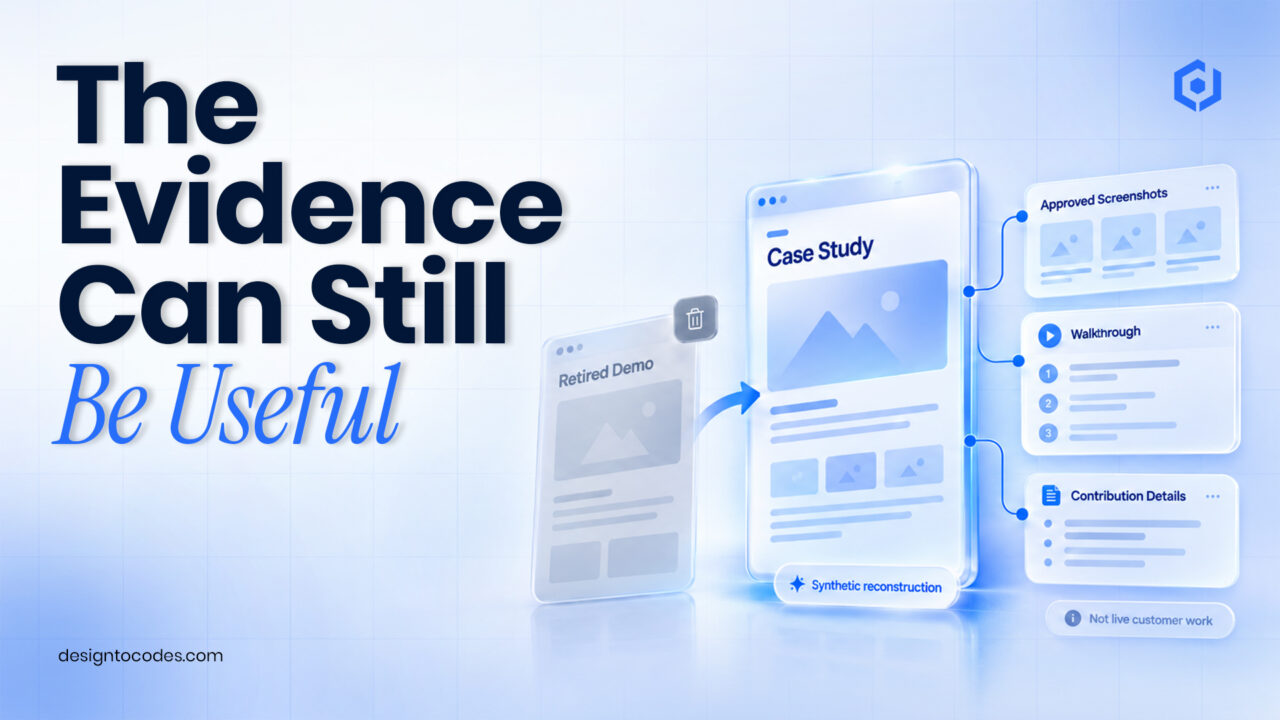
Explain why the demo is unavailable, show permitted evidence of the work and state what a visitor can verify today. For portfolio project without live demo, use screenshots, a recorded walkthrough, selected code or a clearly labelled reconstruction when they genuinely represent your contribution. Remove broken “Live demo” buttons rather than pretending the original product is still accessible.
A client project can be retired. A student API can stop responding. An internal tool may never have been public. Those conditions do not automatically erase the work, but they change the evidence a portfolio can offer. Your page should explain that change instead of leaving a recruiter to guess whether the link is broken.
This guide addresses the missing-demo situation. The existing developer portfolio guide covers the wider site structure. DesignToCodes sells portfolio templates; the illustrative examples below do not promise interviews or hiring outcomes.
Choose evidence that matches the project’s status
| Project status | Evidence to consider | Label the limitation |
|---|---|---|
| Public product has been retired | Approved screenshots and a dated walkthrough | Original live service is no longer available |
| Internal client work | Permitted sanitized explanation or images | Public access and certain details are restricted |
| Student service depends on a dead API | Recorded behavior or a separate reconstruction | Reconstruction uses synthetic data and is not the original deployment |
| Open-source contribution | Relevant commit, issue and your explanation | State the part you contributed |
| Local prototype only | Honest prototype walkthrough | Do not call it a production customer application |
The strongest substitute depends on what the visitor needs to assess. A visual designer may need an annotated interface sequence. A developer may need a clear explanation of an implementation decision and permitted code. A generic stack list supplies little evidence of either.
Step 1: State the project status near the opening
Use a short explanation such as “The original client site was retired in 2025; the approved screenshots below show my work before retirement.” Only use dates and permission statements that are true. If you cannot substantiate a date, say what you know without inventing one.
Follow with your role and scope. Distinguish work you led from work you contributed to. Identify the original problem before showing tools or screenshots. Visitors should understand why the work existed and what part they are evaluating.
Step 2: Create an evidence inventory
| Evidence item | What it helps demonstrate | Check before publishing |
|---|---|---|
| Screenshot | A specific interface or output | Accurate caption, permission and no exposed private data |
| Recorded walkthrough | A sequence and observed behavior | State recording context and whether the original service remains live |
| Code excerpt | A particular implementation choice | Permission, secret removal and enough surrounding explanation |
| Repository contribution | Your identifiable change | Link to the relevant contribution rather than only the project homepage |
| Reconstruction | A proposed or recreated demonstration | Label synthetic inputs and differences from the original |
| Result statement | An outcome supported by evidence | Do not replace missing measurements with invented percentages |
Collect evidence you are already permitted to show. A screenshot of an internal database or customer record is not necessary merely to make the project appear substantial. If permission is unresolved, use a higher-level explanation until the owner confirms what can be published.
Step 3: Write one decision in enough detail
Choose a decision that explains your contribution: how you structured a content model, handled an error state, made a layout adapt to long text or tested a visitor route. Explain the constraint, the alternatives you considered and the reason for the selected approach.
Show evidence immediately beside the explanation. A caption such as “This view shows how the empty state guides a visitor back to available categories” gives the image a job. Provide text alternatives for informative images, following the W3C image guidance.
Be careful with retrospective certainty. If you did not measure an outcome, describe what you implemented or observed. “Added a recoverable error state” is different from “reduced drop-off by 30%.” The first can be supported by the page; the second needs a measurement record.
Worked example: A retired product with an honest evidence page
This is a fictional writing model. A developer worked on a small booking interface whose original service has been retired. The portfolio currently contains a dead demo link and the sentence “Built with React.”
The revised page states the retirement status, the developer’s front-end contribution and the original scheduling problem. Three permitted screenshots show the date selection, unavailable-date state and confirmation presentation. A short recorded sequence explains those states without implying that it can reserve a real appointment today.
The page links to a permitted code sample for the relevant interface logic. It does not attribute the whole reservation system to the front-end developer. Its next action is “Discuss a similar interface project,” not an unavailable live demo.
Step 4: Make the portfolio’s actions match the evidence
Remove or replace dead action links. Use labels such as “View the walkthrough,” “Read the case study” or “Review the contribution” when those destinations exist. If the demo is a reconstruction, say so before visitors open it.
Keep related evidence on a stable project page so a shared link remains useful. A responsive image gallery can support the screenshot sequence, while the CTA guide covers action presentation. Those are supporting implementations, not another reason to rewrite the entire portfolio.
Check the layout with your actual case study
For a code-managed portfolio, inspect the paid NextGenAppsPro Next.js version. Compare the space for detailed project text, media and truthful action labels. The free NextGenAppsPro product is a separate HTML/Bootstrap starter; check its current files and terms.
Use the free-portfolio roundup as a shortlist source while verifying each exact product format. A paid implementation is appropriate when it solves an editing or application requirement, not merely because a project lacks a live demo.
Frequently asked questions
Is a live demo mandatory for every portfolio project?
No. Offer evidence suited to the project’s status and explain what can be verified. Do not claim access or functionality that no longer exists.
Can I rebuild a client project for my portfolio?
Use only material you are permitted to publish and label the recreation accurately. A synthetic reconstruction is not the original client deployment.
Should I hide the fact that a project was retired?
Explain the status briefly near the opening. A clear explanation is more useful than a broken link or an unexplained missing demo.
What if I have no measured business outcome?
Describe your contribution, implementation and observed behavior. State the measurement limit instead of inventing a metric.
Do I need to buy a new portfolio template?
Only if the existing layout cannot present the evidence and update workflow adequately. Fixing actions and adding a clear case study may be enough.
Paid NextGenAppsPro Next.js portfolio layout. Compare its current format and included scope with the task in this guide.
Related reading
Sources and platform references
Recent Posts


Recent Blogs
From the Journal
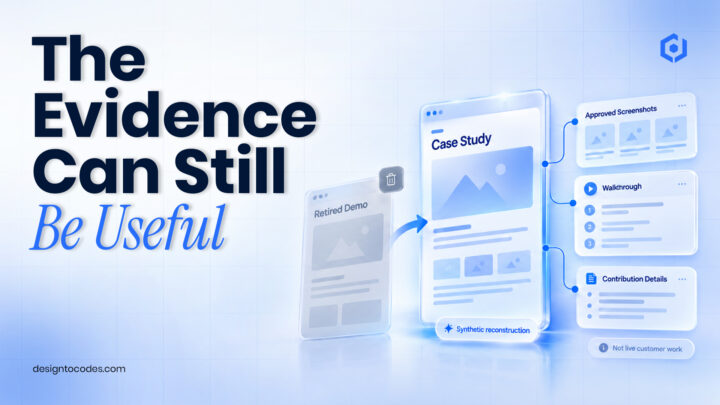
How can you present a portfolio project without a live
- Oct 23, 2026
- 12:30 PM
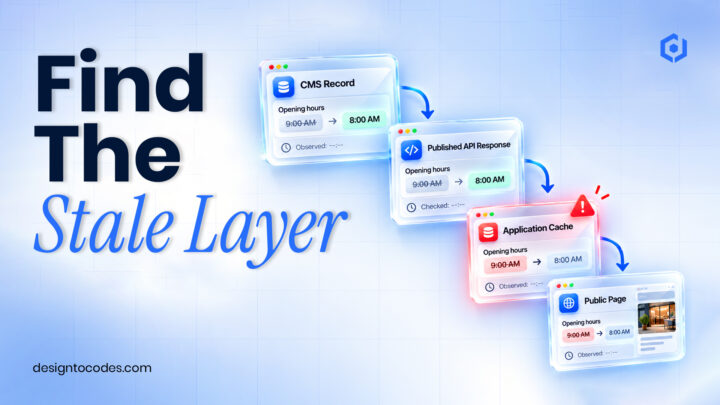
Why is updated CMS content not showing on a Next.js
- Oct 20, 2026
- 12:19 PM
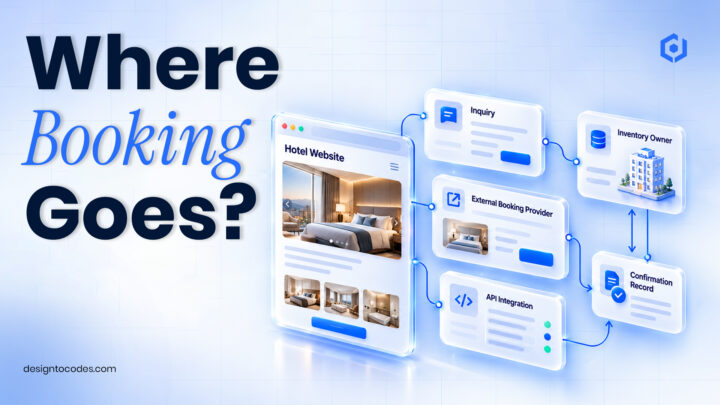
Does a hotel website template include a working booking system?
- Oct 17, 2026
- 1:11 PM
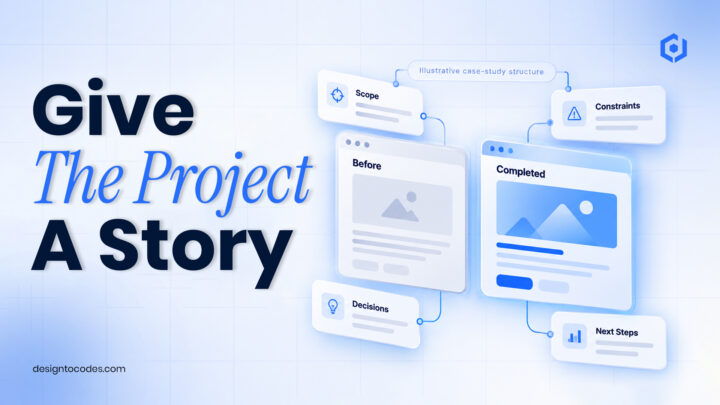
How do you turn kitchen-project photos into a useful case
- Oct 13, 2026
- 11:46 AM