
What makes a graphic designer’s portfolio actually win clients?
A graphic designer portfolio that wins clients leads with three to four case studies that show the problem, your process, and the result — not just pretty final shots. It loads fast, reads clearly on mobile, and makes hiring you effortless. Beautiful work earns attention; proof of outcomes earns the project.
Clients buy outcomes, not aesthetics
It feels counterintuitive, but the prettiest portfolio rarely wins the brief. A client hiring a designer is nervous about one thing: will this person solve my problem on time and on brand? Final-image galleries don’t answer that. Case studies do. Show the messy middle — the brief, the options you explored, the decision you made and why — and you stop being “a designer with nice work” and become “a designer who thinks.”
The sections of a designer’s portfolio need
- Hero with positioning — your name, your specialty, and who you help. “Brand and packaging designer for food startups” beats “creative graphic designer.”
- 3–4 case studies — curated hard, each one a small story with a result.
- About, with a face — clients hire people; a photo and two human paragraphs build trust.
- Services + process — what you do and how you work- so the inquiry is qualified before it lands.
- Social proof — one or two client testimonials beat a wall of logos.
- Frictionless contact — a visible email and a short form, no “request access.”
How to write a design case study that sells
Use a simple arc on every project: Brief (what the client needed), Approach (your thinking and the directions you explored), Solution (the final work, shown in context), and Result (what it achieved — sales, engagement, a rebrand that launched). Even “increased their Instagram saves 3x” or “shipped a full brand system in four weeks” turns a gallery into evidence.
Show the work in context, not just on a Dribbble card
Mockups in the real world — the packaging on a shelf, the app on a phone, the poster on a wall — help a client picture the value. Pair them with one or two process artifacts (sketches, a mood board, type explorations) to prove the polish wasn’t luck.
Speed and mobility are part of the design
Designer portfolios are notorious for huge unoptimized images that take five seconds to load. That’s a self-inflicted wound — a client on their phone judges your attention to detail by how your own site performs. Compress and lazy-load images (WebP/AVIF), reserve space so nothing jumps, and aim for a Largest Contentful Paint under 2.5 seconds. If you’d rather not wrestle the build, our designer portfolio templates — including the Next. JS-based Grafik V2 — ship optimized out of the box.
Template, custom, or builder?
| Path | Best for | Trade-off |
|---|---|---|
| Template | Most designers — fast, polished, customizable | Light setup: pick a good one |
| Custom build | Designers who also code, or want a statement | Slow; easy to over-build |
| No-code builder | Quick launch, non-technical | Slower sites, less control |
Mistakes that cost designers the brief
- All final shots, no process or results
- Twenty projects instead of four strong ones
- Heavy images that tank load time on mobile
- No clear specialty, so the client can’t place you
- Contact buried, or only a contact form with no email
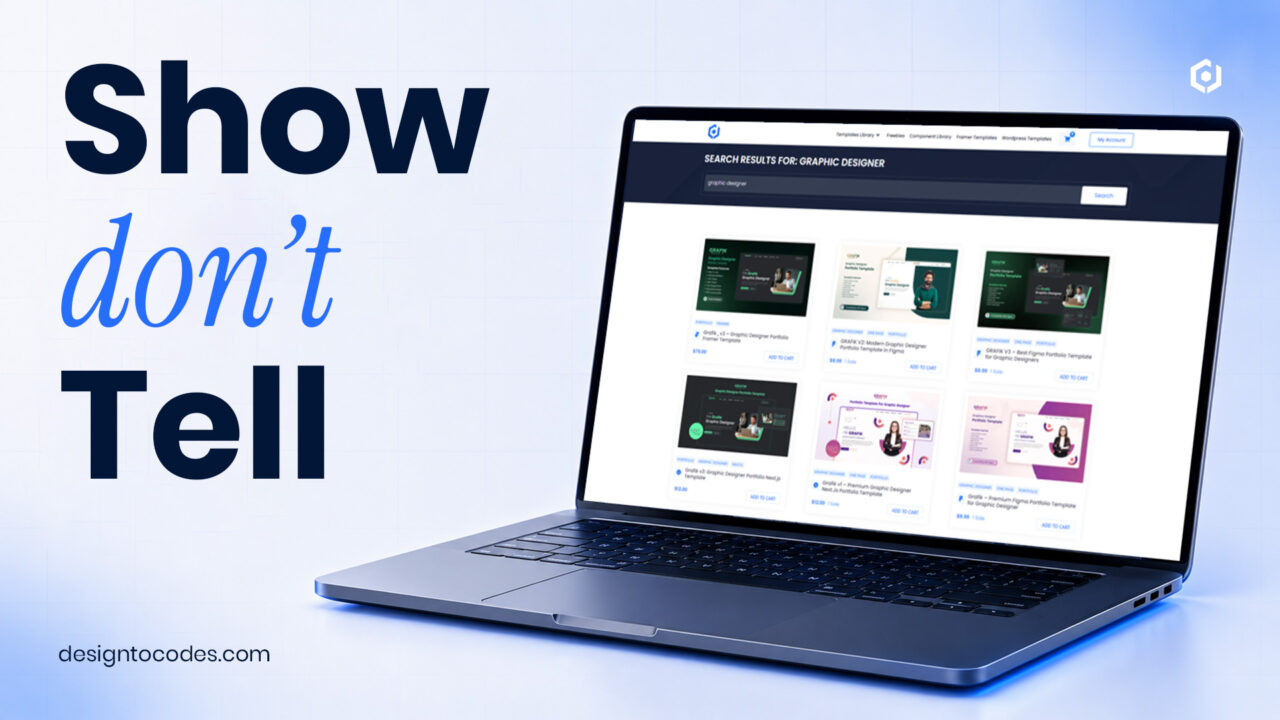
3 best graphic designer portfolio templates
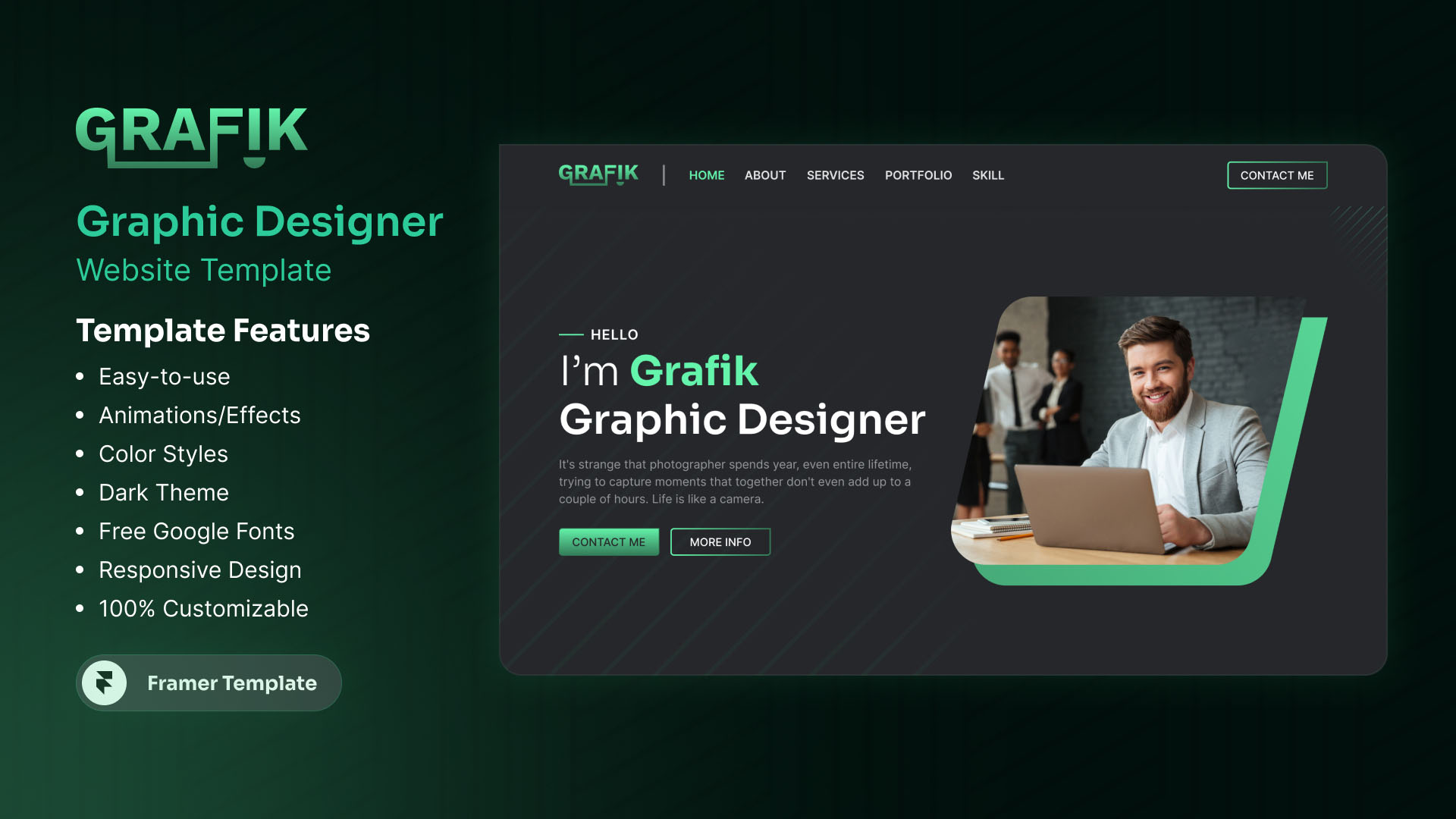
🔗Grafik_v3 – Graphic Designer Portfolio Framer Template
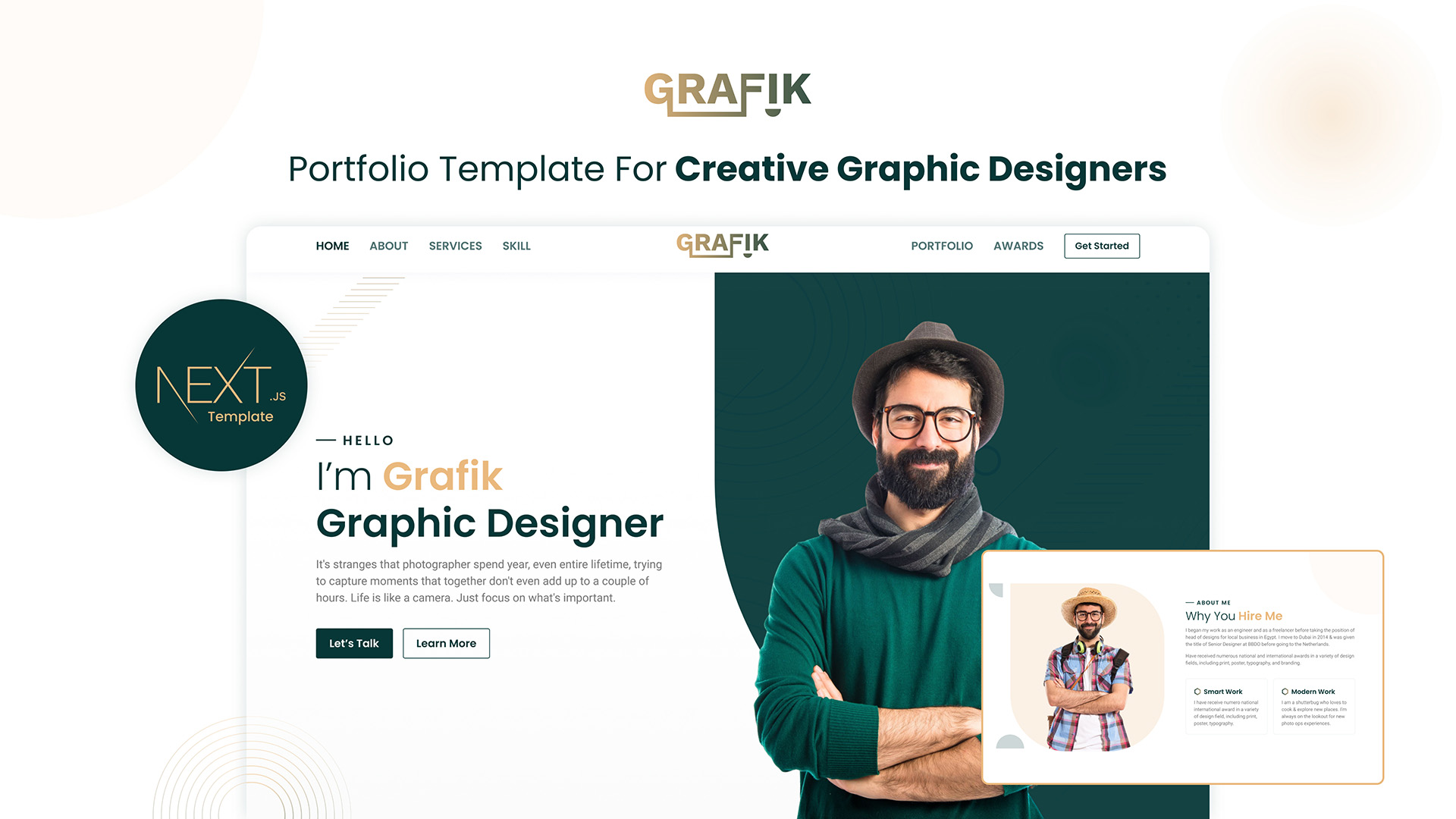
🔗Grafik v2 – Nextjs Portfolio Template for Creative Graphic Designers
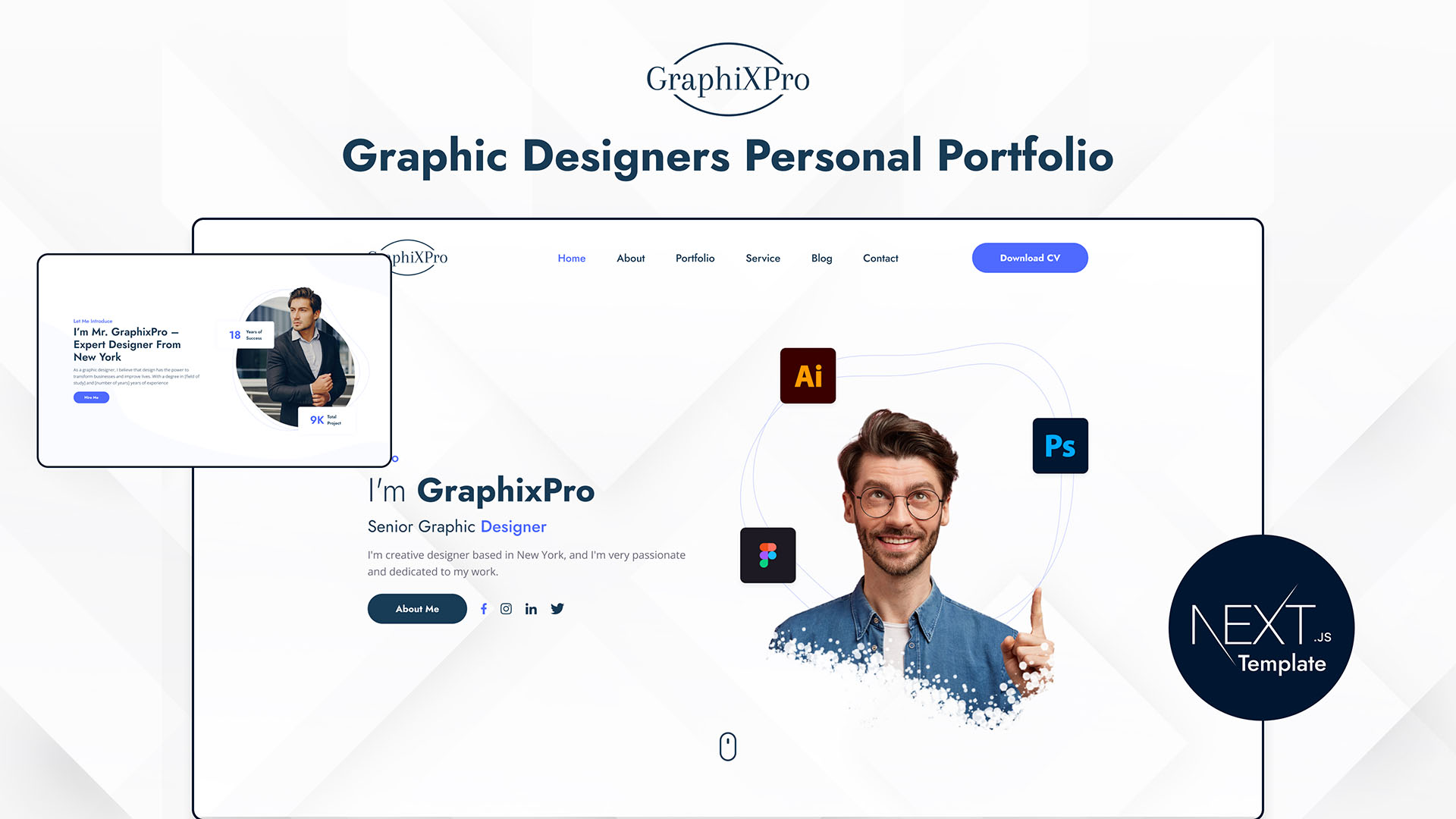
🔗GraphixPro – Next.js Portfolio Template for Graphic Designers
Frequently asked questions
How many projects should a graphic designer’s portfolio have?
Three to four strong case studies. Clients would rather see a few projects explained well than scroll through twenty thumbnails with no context.
Should I show my process or just final designs?
Show both. Final work earns attention, but the process — your brief, options, and decisions — is what proves you can be trusted with a new problem.
Do I need to know how to code to have a designer portfolio?
No. A well-built template lets you launch a fast, professional portfolio without code and frees your time for the work that actually wins clients.
What is the most important part of a designer’s portfolio?
A clear case study that connects your work to a client outcome. That single element does more to win a brief than any amount of visual polish.
Ready to launch one this week? Start from a fast, optimized base — browse the DesignToCodes designer portfolio templates.