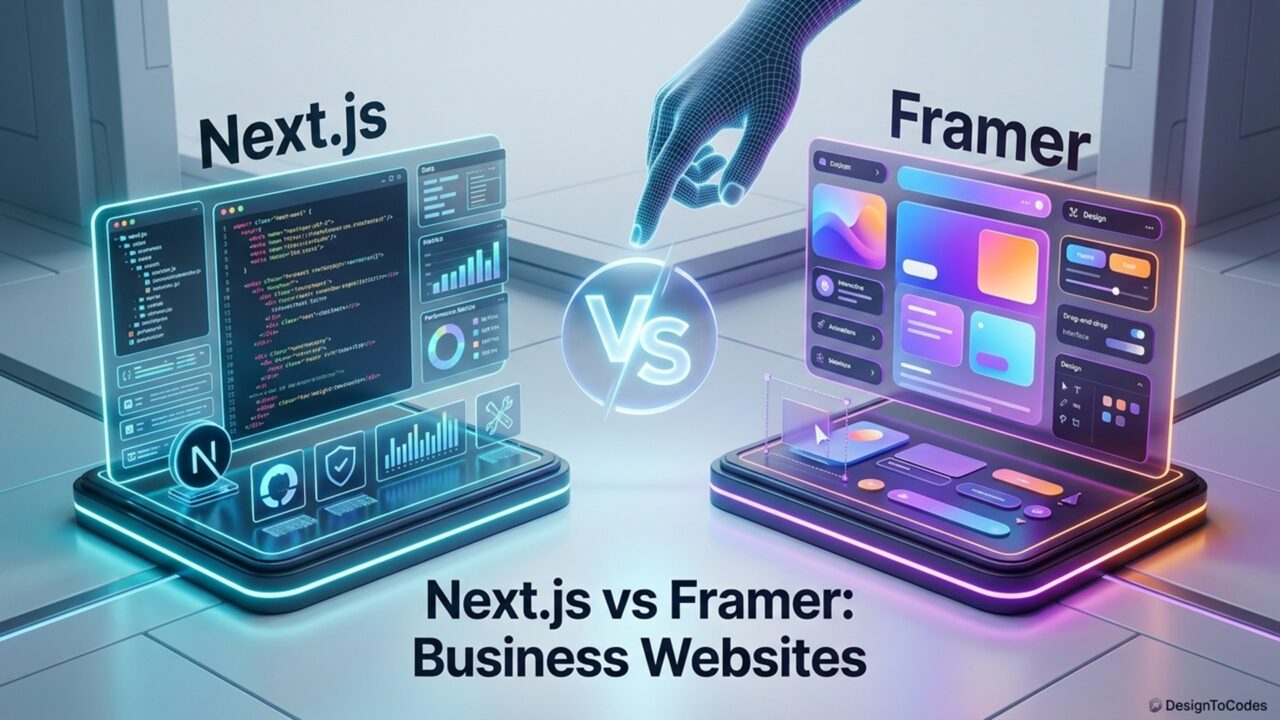
If you’re building a business website, you’ve probably encountered two philosophies: traditional development frameworks like Next.js and visual builders like Framer. Both work, but they serve different audiences and solve different problems. So it’s kind of a battle between Next.js vs. Framer Business Website. Choosing between two masterpieces might be hard, but this blog will clear the vision.
This comparison is for business owners and non-technical founders. I’ll cut through the developer jargon and explain which approach makes sense for your situation.
What Is Next.js?
Next.js is a JavaScript framework built on React. It requires developers to write code, not click buttons. In short: Next.js is for developers building custom websites. It’s powerful, flexible, and fast—but it requires technical expertise.
What Is Framer?
Framer is a visual website builder. No code required. You design using a visual canvas, similar to Figma. It’s intuitive, has beautiful templates, and publishes instantly. Framer is for business owners and designers who want to build websites without developers.
Quick Comparison
| Aspect |
Next.js |
Framer |
| Setup Time |
Weeks |
Hours |
| Developer Required? |
Yes |
No |
| Cost |
$5,000-30,000+ |
$50-200 |
| Page Load Speed |
Very Fast |
Faster |
| Customization |
Unlimited |
Good |
| Maintenance |
Ongoing |
Minimal |
When to Use Next.js
You’re a startup with complex requirements.
You need custom functionality that template builders don’t support. Maybe it’s a specialized dashboard, a proprietary algorithm visualization, or complex data management.
You’re building an app, not just a website.
If you need user authentication, data storage, real-time updates, or sophisticated backend logic, Next.js can handle it. Framer can’t.
You have a technical co-founder or in-house developer.
You have the expertise in-house, so hiring developers is optional, not required.
Your project timeline is flexible (months, not weeks).
Additionally, you can afford to invest in custom development because the timeline and budget permit it.
You need unlimited customization.
You want pixel-perfect control and custom interactions that templates don’t provide. Next.js lets you build anything.
When to Use Framer
You need a website ASAP.
You want to launch this week, not in 3 months. Framer gets you live immediately.
You’re a small business or solopreneur.
You’re not building a complex app. You need a professional website that converts visitors into customers. Framer templates are perfect for this.
You don’t have a technical background.
You’re not a developer. You don’t want to learn to code. Framer is visual and intuitive. You can build and publish yourself.
You want to minimize costs.
$50-$ 200 total investment vs. $10,000+ for developers. Framer wins decisively.
You want minimal ongoing maintenance.
Framer handles hosting, security, and updates. You worry about your business. Framer worries about the infrastructure.
You’re selling services or leads, not building a platform.
You’re a consultant, freelancer, coach, gym, salon, or service business. You don’t need complex backend logic. Framer templates are optimized for conversion.
Real Examples
Use Next.js When:
SaaS platform (like Slack) where you’re building collaborative features, real-time updates, user authentication, and data synchronization across devices. Custom logic is the product.
Use Framer When:
Consulting firm launching a website to attract clients. Marketing agency building a portfolio site. Gym is launching an online signup flow. Freelancer showcasing work. Personal brand. These are all “websites,” not “apps.”
The Real Cost Difference
Framer Path:
- Template: $50-150
- Domain: $12/year
- Hosting: $12-24/month ($144-288/year)
- Total first year: $206-462
- Per year after: $156-312
Next.js Path:
- Developer cost: $5,000-30,000 (depending on complexity)
- Hosting: $20-100/month ($240-1,200/year)
- Domain: $12/year
- Maintenance/updates: $500-2,000/year (ongoing)
- Total first year: $5,752-33,200+
- Per year after: $752-3,200+
The cost delta is 10-100x. Unless you’re building a complex application, that investment doesn’t make sense.
Speed & Performance
Both are fast. Really fast.
Next.js is fast because developers optimize it. Framer is fast out of the box—the platform handles optimization automatically. For most business websites, both exceed performance expectations. Framer consistently scores 90+ on Google PageSpeed Insights. Next.js can too, but it requires developer optimization.
Scalability & Future Proof
Framer is evolving quickly. New features arrive regularly. Your template stays modern as the platform improves. Next.js is mature and stable. It won’t disappear, but frameworks age. Maintenance costs increase over time as dependencies need updates.
The Verdict
For most small businesses, Framer is the obvious choice. It’s faster to launch, cheaper, and requires no technical expertise. You get a professional website in hours. Next.js makes sense if you’re building something that templates can’t handle. If you’re a startup with a technical team and complex requirements, invest in custom development. If you’re a small business or solopreneur, use Framer. That’s not to say Framer is “less than” Next.js. It’s built for a different purpose. A Framer website outperforms a mediocre Next.js site built by junior developers on a tight budget.
Ready to Launch Your Business Website?
Use Framer and choose from our collection of industry-specific templates. Customize in 30 minutes. Launch today.
Browse All Templates