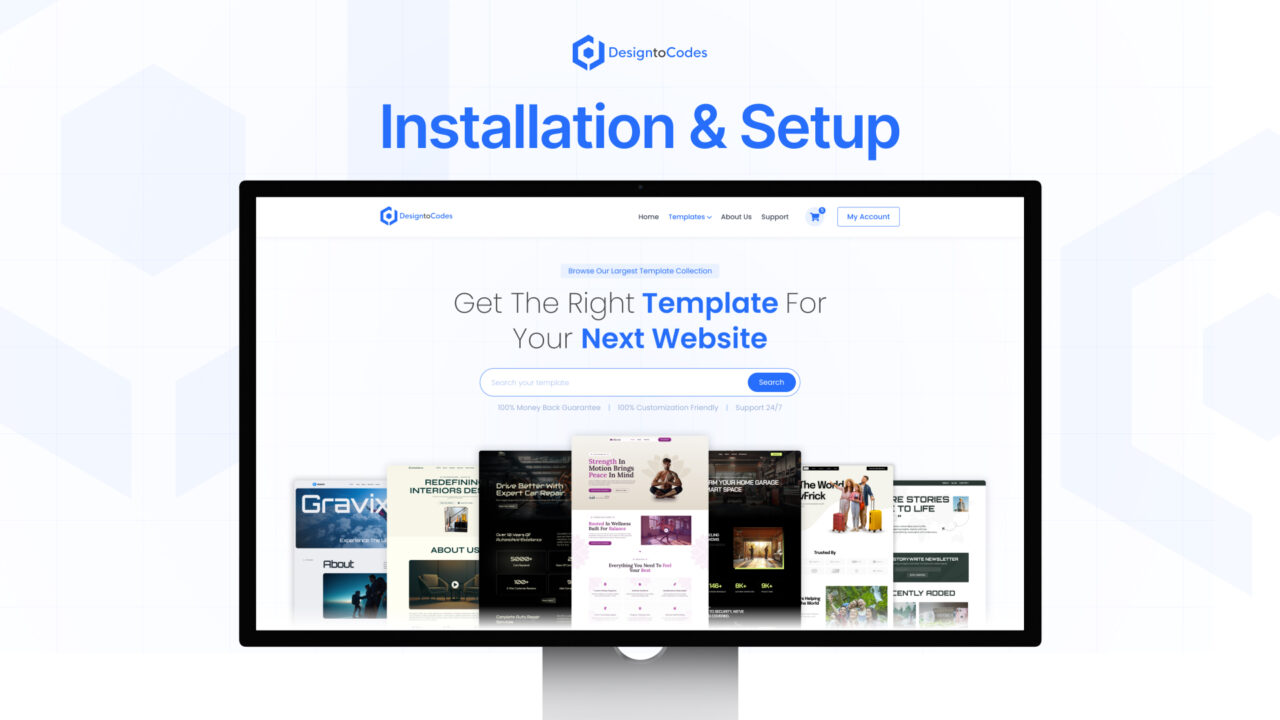
Setting up your DesignToCodes template is quick, simple, and beginner-friendly. Our templates are designed with easy structure, ensuring a smooth installation process for developers, designers, and business owners alike.
First, download your purchased template package from your DesignToCodes account dashboard. Once downloaded, extract the files to access the project folder. Each template comes with a well-organized directory containing all necessary assets, including all the technologies we work on and media files.
For Framer, Next.js, Astro, and Elementor templates, you’ll find a dedicated installation guide inside the documentation folder. Follow the step-by-step instructions to set up your environment, configure dependencies, and run the project locally. Most templates require a simple installation of Node.js and package managers like npm or yarn for smooth operation.
Once installed, you can customize layouts, colors, fonts, and components according to your branding needs. The templates are fully responsive and SEO-friendly, ensuring your website looks perfect on all devices.
If you face any issues during setup, our detailed documentation and customer support team are here to help. Start building your website today with DesignToCodes templates!