What makes a developer portfolio website actually get you hired?
A developer portfolio website that gets you hired does three things: it loads in under two seconds, it shows three real projects with the problem you solved and the result, and it makes your contact details impossible to miss. Visual polish matters far less than proof of work and clarity. Everything below builds toward exactly that.
What hiring managers actually look at (and for how long)
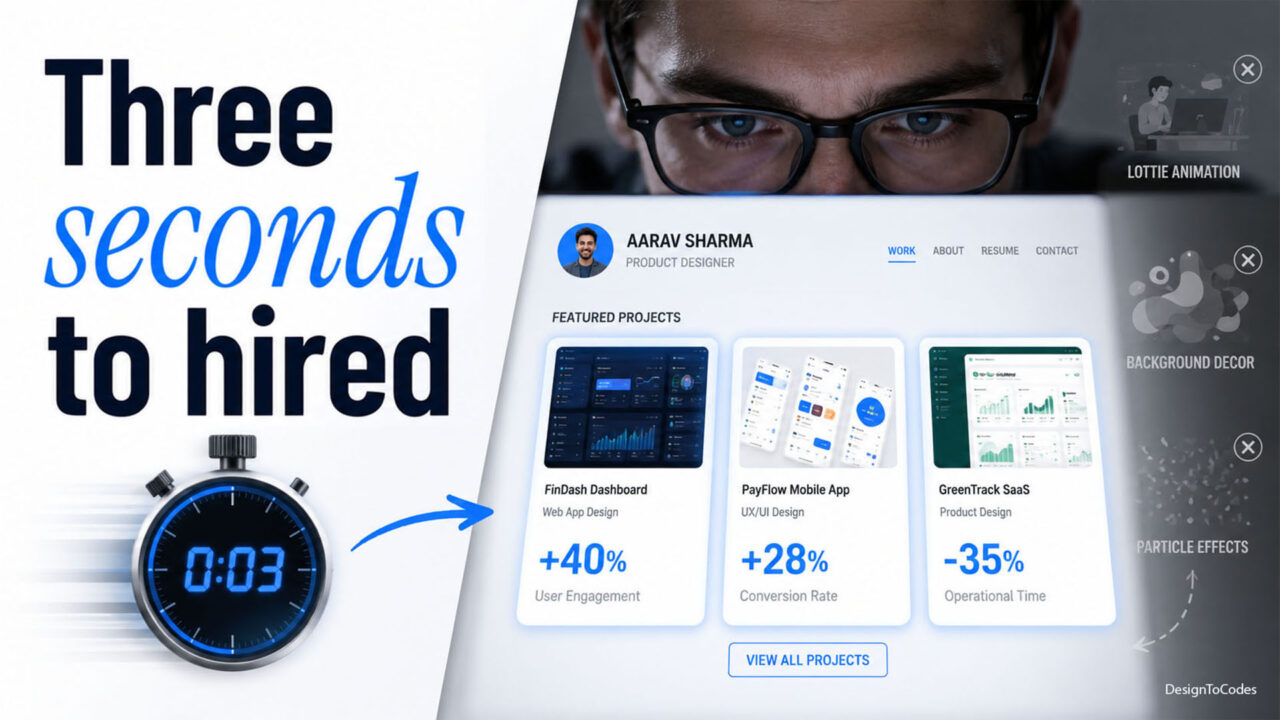
Most reviewers spend under a minute on a portfolio before deciding to read on or move along. They are scanning for three answers: Can this person build real things? Can they communicate clearly? Are they easy to contact? If your homepage answers all three above the fold, you are already ahead of the majority of applicants who lead with a hero animation and a vague “passionate developer” tagline. Know how to build a developer portfolio website.
The seven sections every developer portfolio needs
- Hero with a one-line value statement. Not “Hi, I’m Sam.” Instead: “Sam Rivera — front-end engineer who ships fast, accessible React apps.” State the role and the outcome.
- Selected work (3–4 projects, not 12). Curate hard. Each project gets the problem, your role, the stack, and one measurable result.
- About, written like a human. Two short paragraphs. What you do, what you’re good at, what you want next.
- Skills, grouped not listed. Group by category (languages, frameworks, tools) so a recruiter scanning for “React” finds it instantly.
- Proof & credibility. GitHub, a live demo link, a testimonial, or contributions. One real signal beats ten logos.
- Contact, frictionless. A visible email and one form. No “request access” gates.
- Resume download. A single up-to-date PDF, linked in the nav.
How to write a project case study that lands
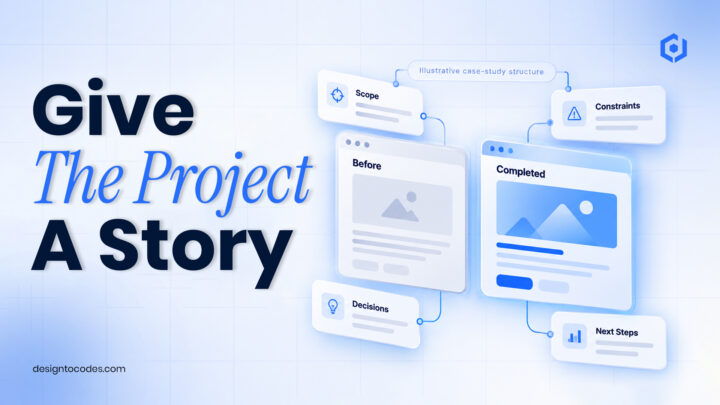
This is where portfolios are won or lost. Replace “I built a weather app” with a four-line structure:
- Problem: what needed solving and for whom.
- Approach: the key technical decision and why.
- Result: a number — load time, users, conversion, test coverage.
- Link: live demo + repo.
Example: “Rebuilt a charity’s donation flow in Next.js with server-side rendering and Stripe. Cut checkout abandonment from 61% to 38% and improved Lighthouse performance from 54 to 98.” That single paragraph does more than a wall of screenshots.
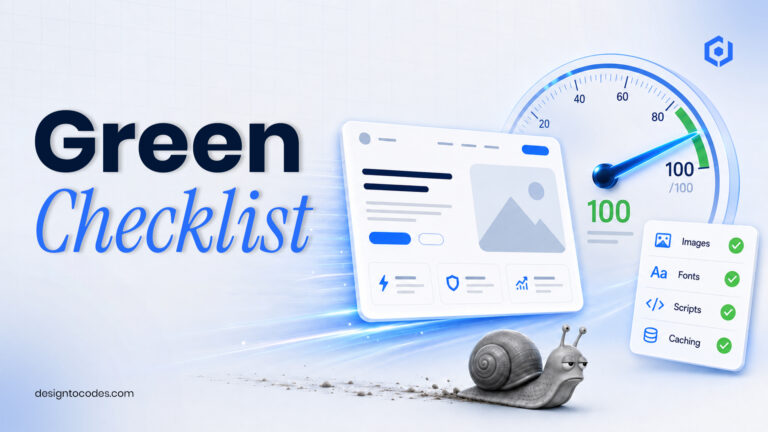
Performance is a hiring signal, not just an SEO one
A developer whose own portfolio scores 60 on Lighthouse is making an argument against themselves. Hit these baselines before you ship:
# Targets to verify in Lighthouse / PageSpeed Insights
Largest Contentful Paint (LCP)   < 2.5s
Interaction to Next Paint (INP)  < 200ms
Cumulative Layout Shift (CLS)    < 0.1
Total page weight                < 1MB on first load
The fastest path: serve static HTML or a statically-rendered framework, compress and lazy-load images, and avoid heavy animation libraries you don’t need. If you’d rather start from a base that already clears these bars, our NextGenAppsPro Next.js portfolio template and portfolio template collection ship production-ready and optimized out of the box.
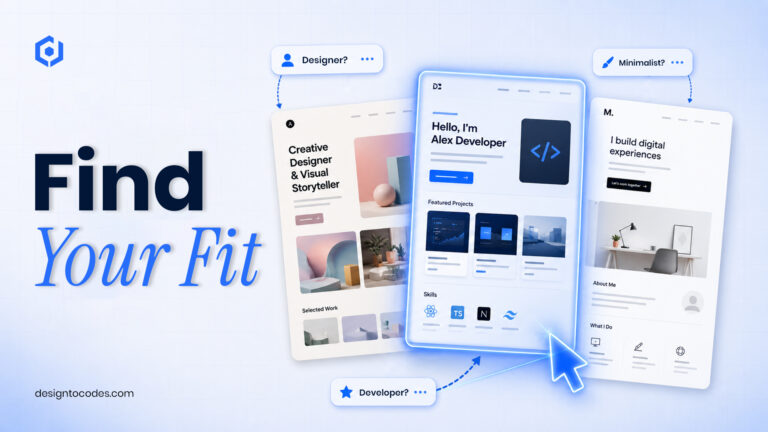
Build it from scratch, use a template, or use a no-code builder?
| Path |
Best for |
Time to launch |
Trade-off |
| From scratch |
Showing off raw skill |
1–3 weeks |
Slowest; easy to over-engineer |
| Developer template |
Most developers |
An evening |
Light customization needed |
| No-code builder |
Non-front-end roles |
A few hours |
Weaker “I can code” signal |
For a developer applying to engineering roles, a clean template you customize sends the right signal and saves the week you’d rather spend on a real project.
The mistakes that quietly cost interviews
- Twelve half-finished projects instead of three strong ones.
- Dead demo links — test every link the day you apply.
- No measurable results, only feature lists.
- Contact buried in a footer modal.
- A 4MB hero video that tanks load time on mobile.
A realistic weekend build plan for a developer portfolio website
Saturday: pick a base, write your three case studies first (content before design), gather screenshots and live links. Sunday: drop content into the template, run Lighthouse, fix the top three issues, deploy to Vercel or Netlify, test on a real phone. Ship it. A live, focused portfolio beats a perfect one that never launches.
Frequently asked questions
How many projects should a developer’s portfolio have?
Three to four strong, finished projects with live demos. Quality and clarity beat quantity — reviewers would rather see three complete case studies than twelve fragments.
Do I need a custom domain?
Yes. A custom domain (yourname.dev) reads as professional and costs about $12/year. It also lets you set up a proper email and improves how the page is remembered and shared.
Should I build my portfolio from scratch to prove I can code?
Only if you have the time, and the project itself is impressive. For most candidates, a customized template plus one strong original project is a better use of the same hours and still demonstrates real skill.
What’s the single most important thing on a developer’s portfolio?
A clear case study showing a real problem you solved and a measurable result. That one element does more to earn an interview than design, animation, or a long skills list.